Diagnostics page
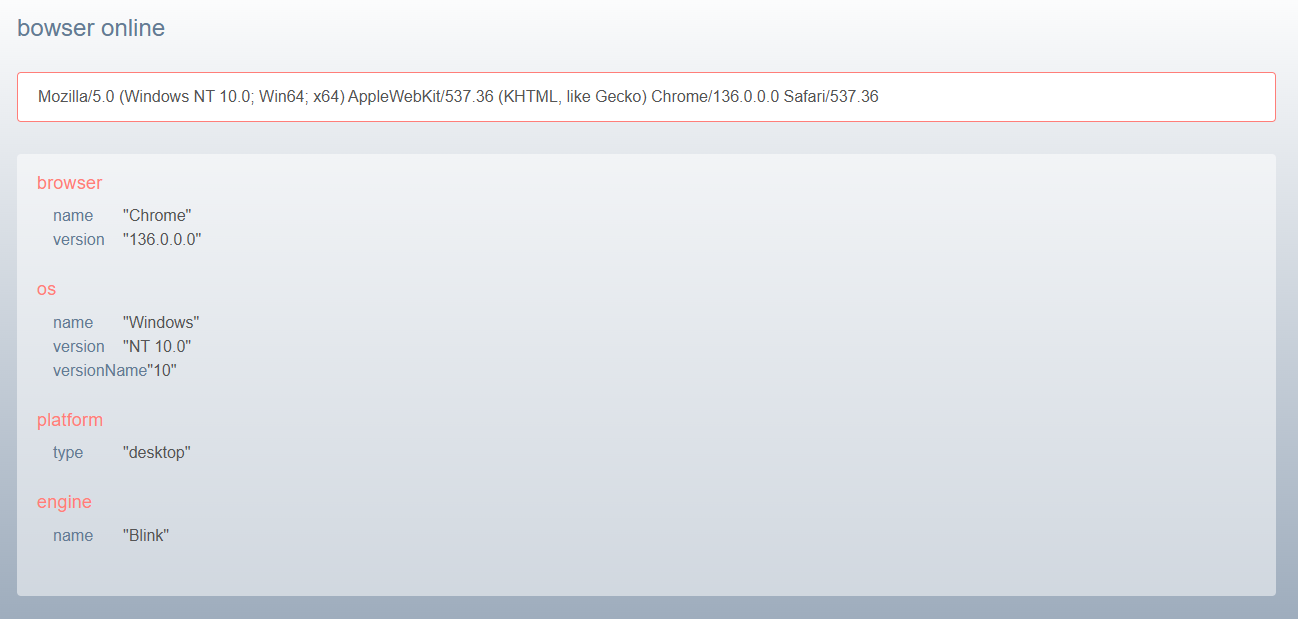
In certain scenarios, particularly when working with TV devices, accessing the diagnostics page can be beneficial. This page offers information about the currently utilized browser and the specific device in use. It serves as a valuable tool for troubleshooting and understanding the environment in which the application is running.
To access the diagnostics page, simply add “/diag” to the end of the URL.
You should see a page similar to the one shown below: