
Switching Business Unit
A Business Unit, also called BU, is the main security boundary of the system. All users and sources of the DW application such as Layouts are part of a specific BU. For more info about Business Units see Business Units chapter in administrator application guide.
A user can see only things, that belongs to his BU. If user is a member of multiple BUs, only one can be accessed at once. The active BU can be changed in two ways:
In the Switch Business Unit dialog, accessible from the Application Menu. For more info about Application Menu see Application Menu chapter.
Figure 1: Switch Business Unit Button
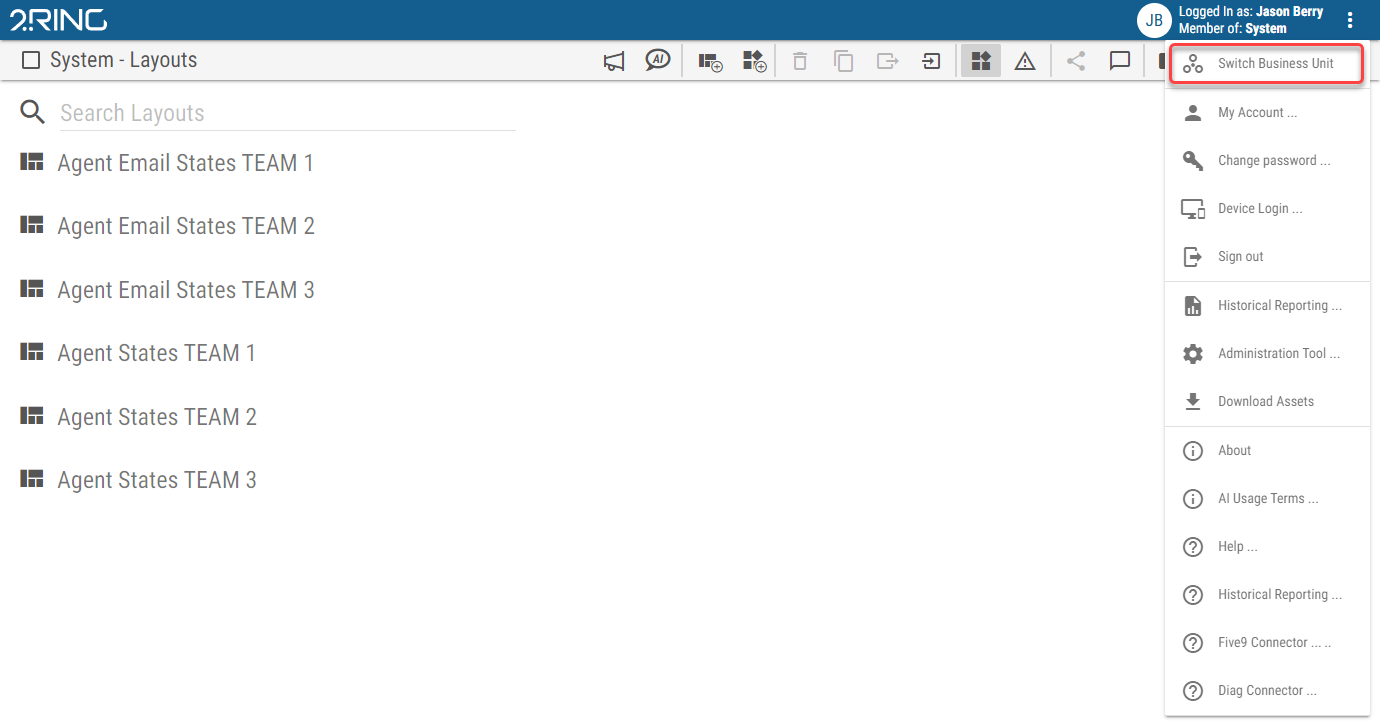
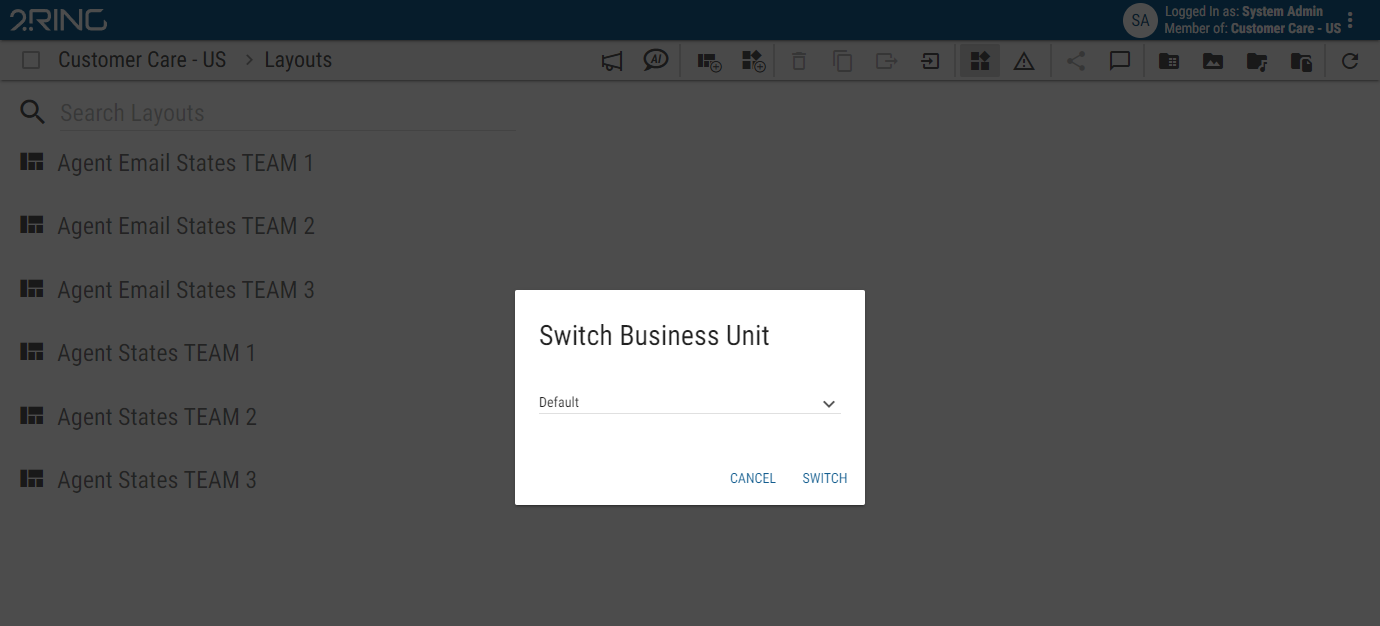
Figure 2: Switch Business Unit Dialog
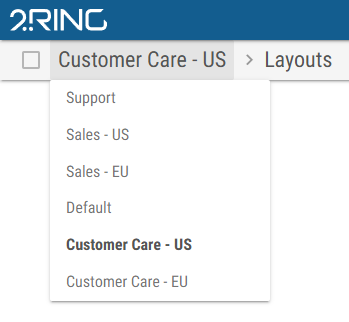
In the Business Unit dropdown on the left side of the toolbar.
Figure 3: Switch Business Unit dropdown in Toolbar
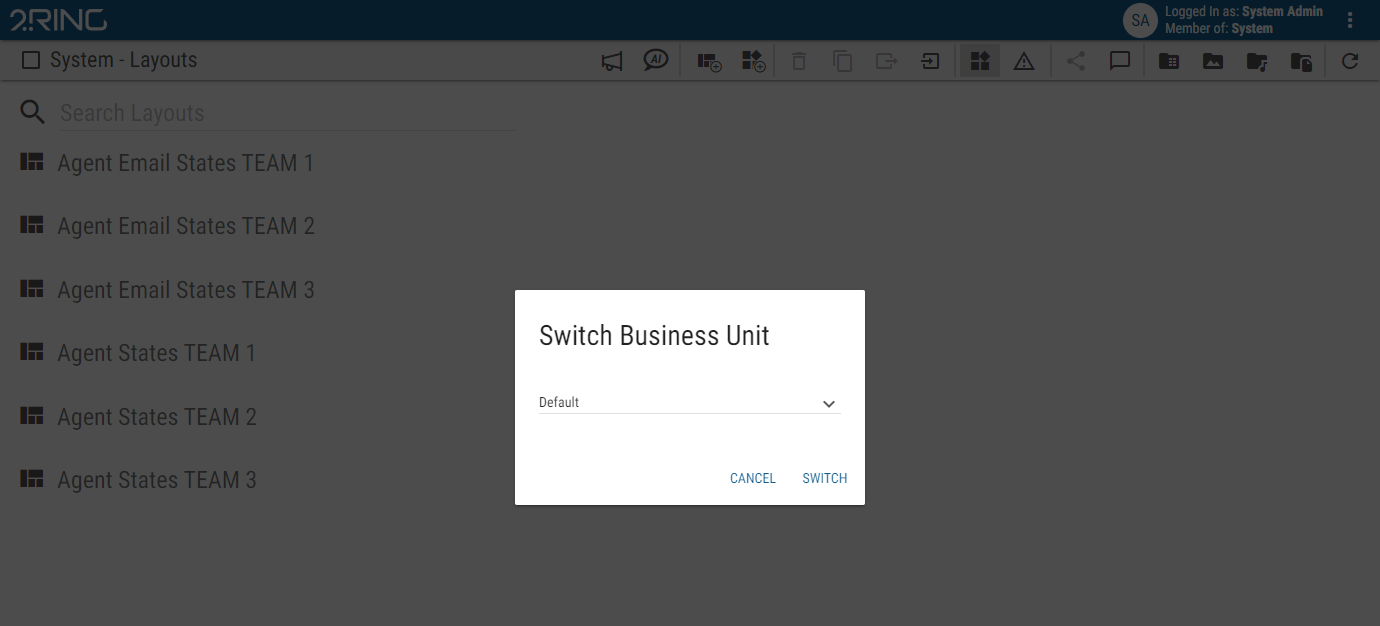
Figure 4: Switch Business Unit dropdown in Toolbar
The Switch Business Unit dialog contains a dropdown, listing all BUs, the user is part of. Selecting a BU and clicking the switch button will change the active Business Unit.