Custom Functions
FIVE9 Reporting – SKILL STATISTICS
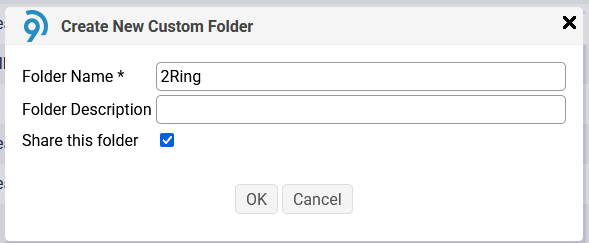
Log in to the Five9 Reporting page and create a Reporting Folder with the name “2Ring”:
Create a New Custom Report with the following configuration:
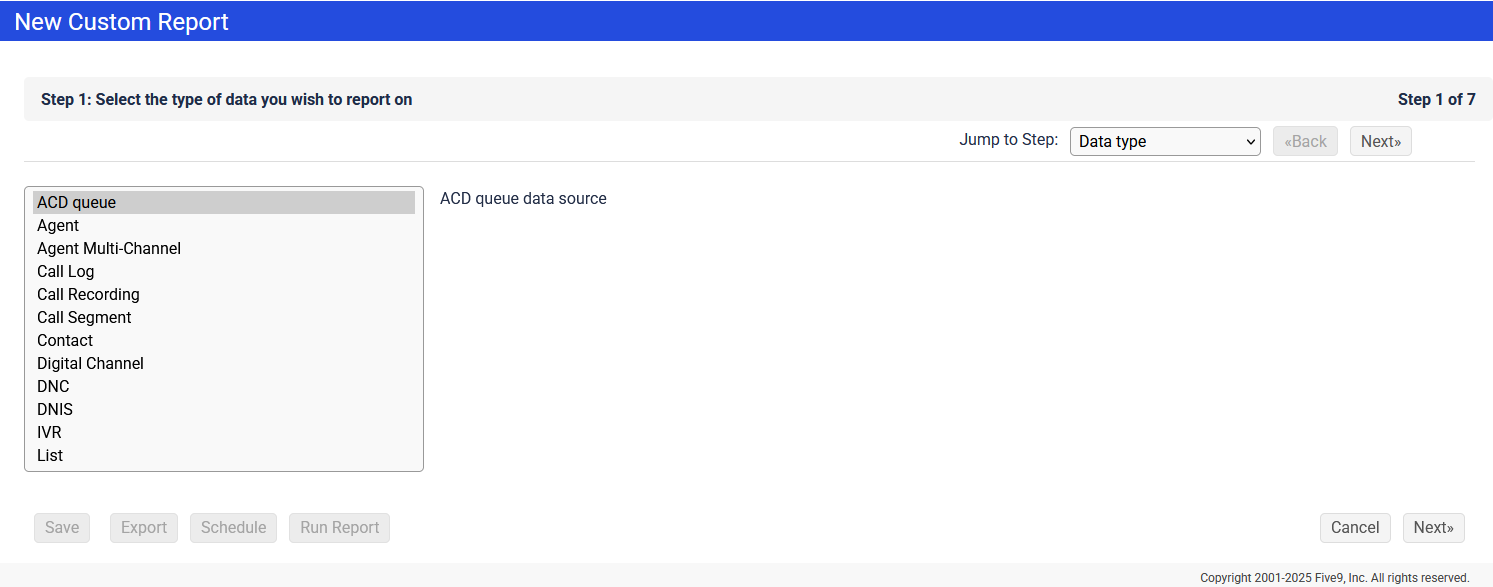
Data Type
Select “ACD queue”
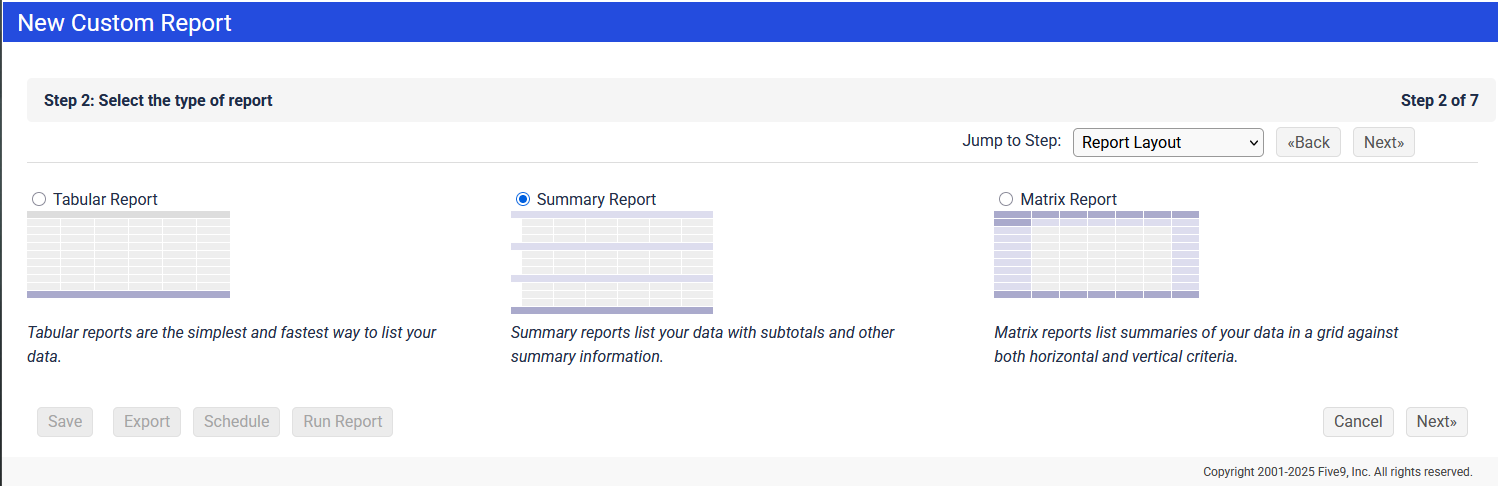
Report Layout
Select “Summary Report”
Report Columns
Check the following columns:
ABANDONED
SERVICE LEVEL
SKILL
SPEED OF ANSWER
QUEUE WAIT TIME
TOTAL QUEUE TIME
CALLS
AFTER CALL WORK TIME
HANDLE TIME
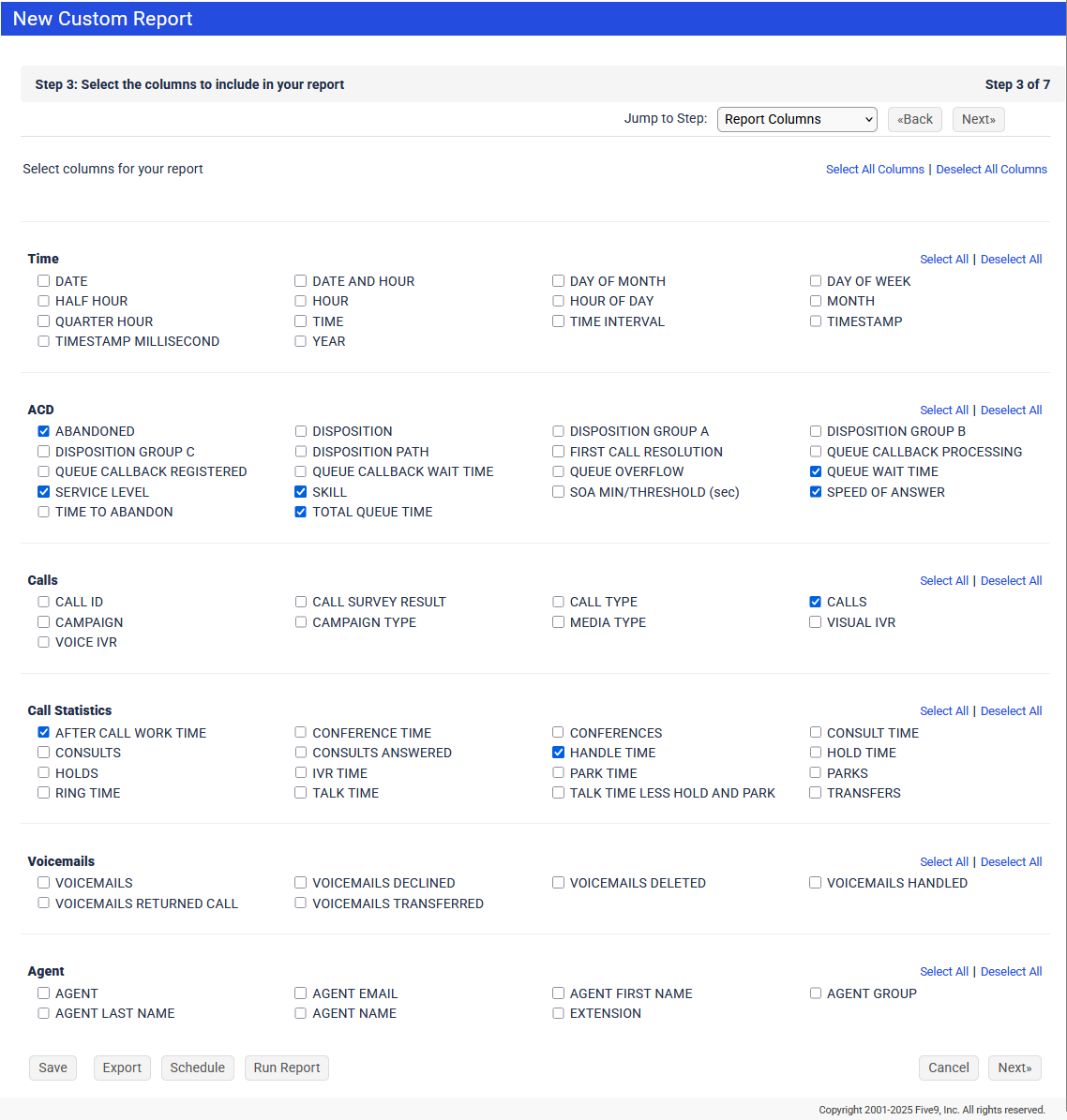
No need to change anything on Step 4/7 Report Ordering.
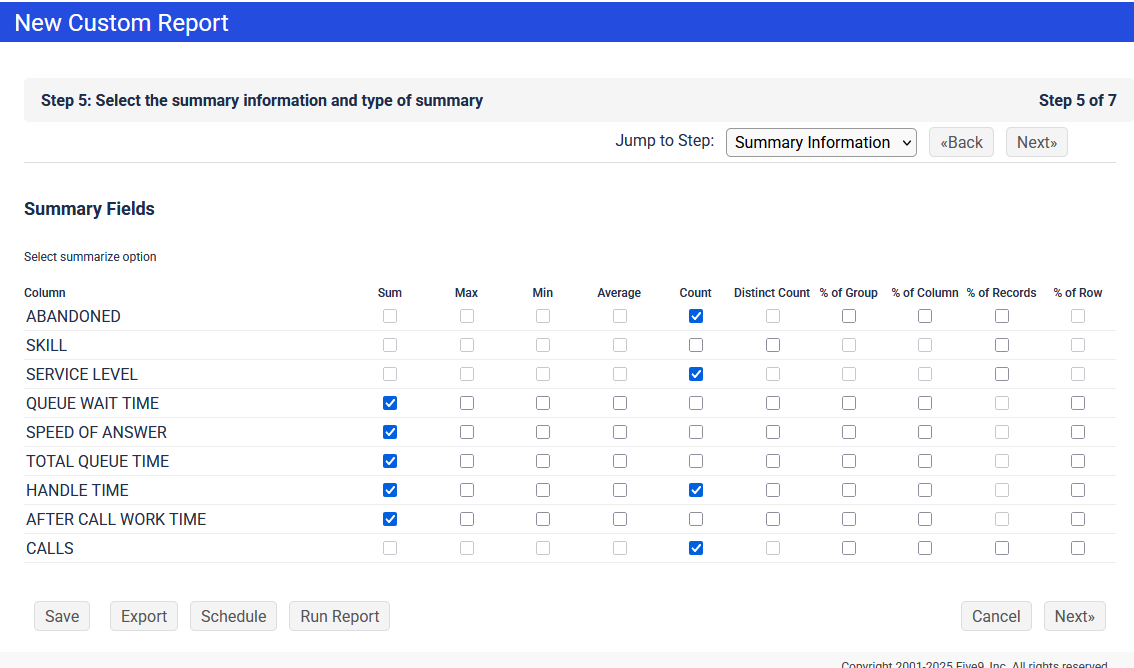
Summary Information:
Select Count and Sum for following columns:
Count for: CALLS, ABANDONED, HANDLE TIME, SERVICE LEVEL
Sum for: SPEED OF ANSWER and HANDLE TIME
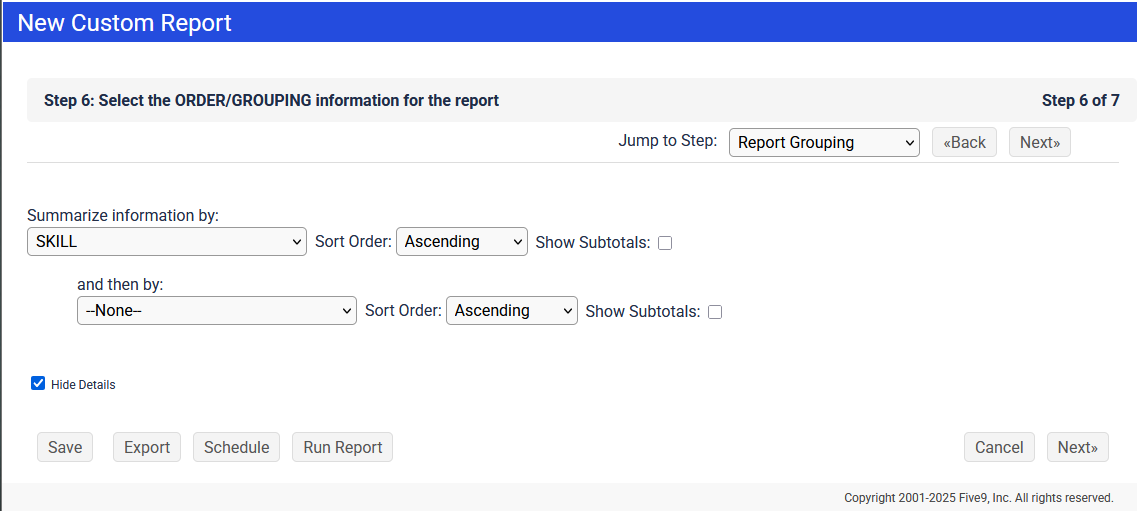
Report Grouping
Order information by: SKILL
Criteria
Configure the Quality of Service
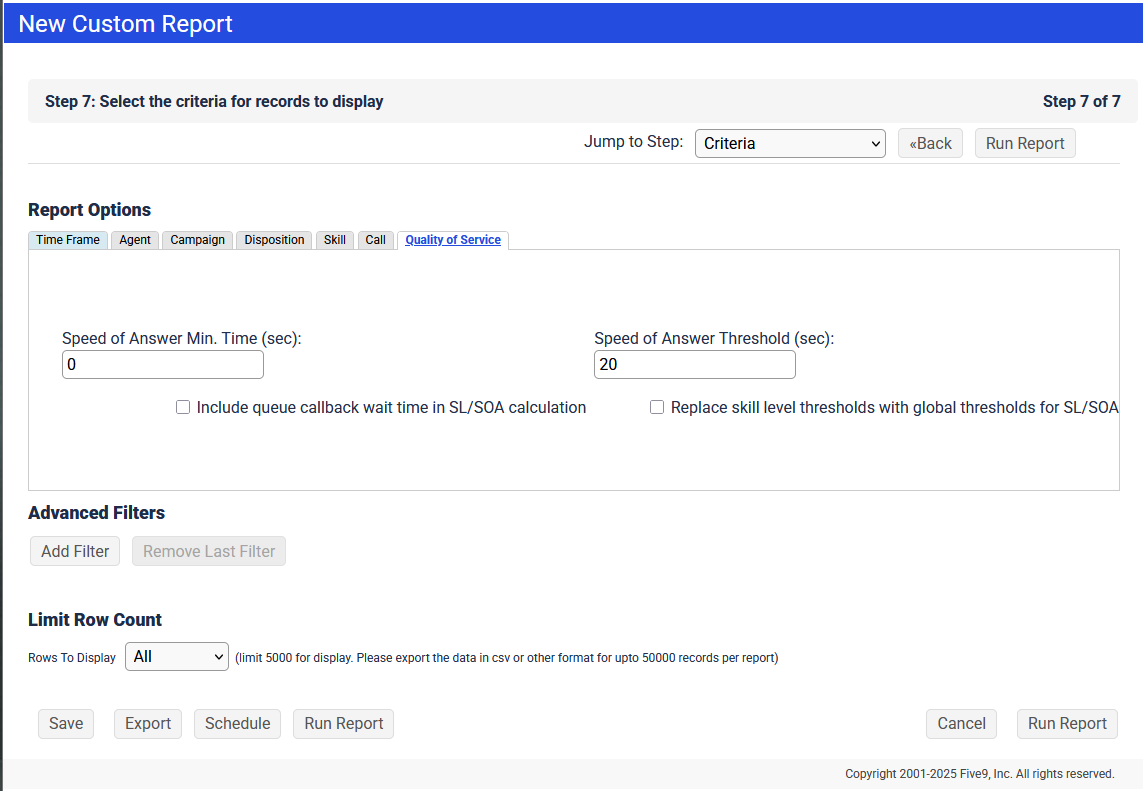
Time Frame configuration will always be ignored, and we will pull in the data for today (since midnight).
The resulting report should look something like this:

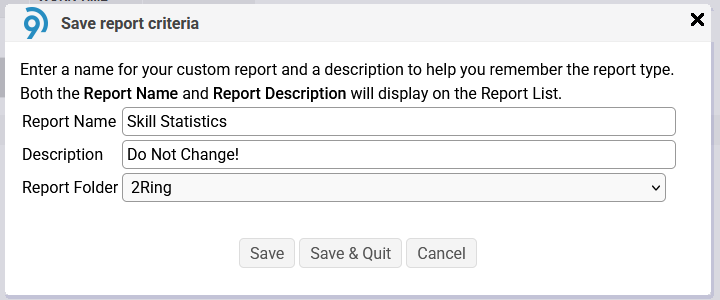
Finally, Save this new report into the “2Ring” Reporting Folder under the name “Skill Statistics”: