Troubleshooting
Changed Hostname/IP of Ucce node(s)
Cause
The hostname/IP of UCCE has changed and DW has lost a connection to UCCE data.
Solution
The SQL linked server needs to be re-created, follow these steps:
Open SQL Server Management Studio and connect to the instance where the 2ring databases are located.
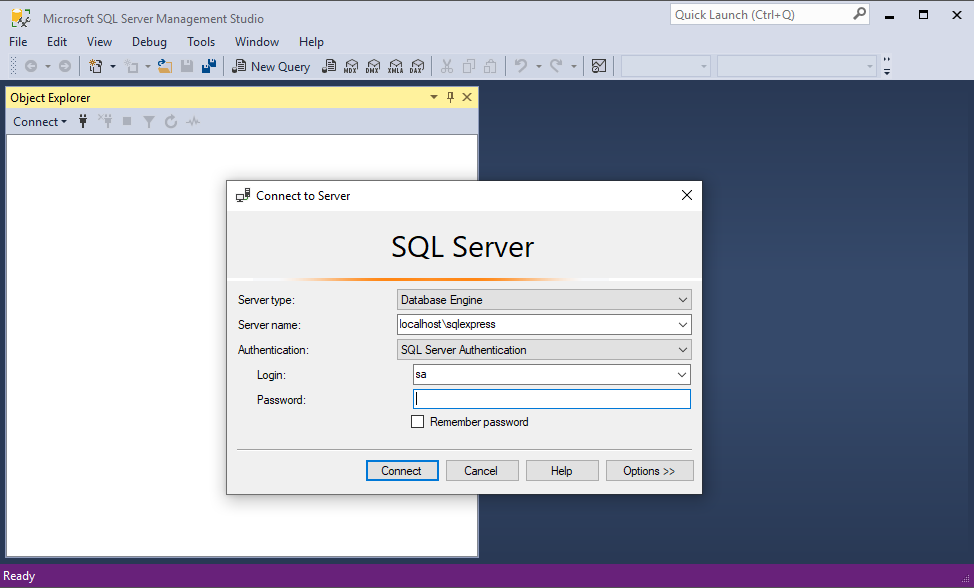
Open SQL Server Management Studio and connect to the instance where the 2ring databases are located.
Open a new Query window and paste the following code. Set @UCCENode with the hostname of the AWDB SQL server. Set @DbReaderUser with UCCE SQL Server user that has dbreader privileges to both AWDB and HDS databases. Set @DbReaderPassword with the password for the UCCE SQL Server user.
USE [master]
GO

DECLARE @UCCENode NVARCHAR(35), @DbReaderUser NVARCHAR(50), @DBReaderPassword NVARCHAR(50)
SET @UCCENode = N'HOSTNAME\INSTANCE OF AWDB'
SET @DbReaderUser = N'DBREADER User'
SET @DBReaderPassword = N'DBREADER Password'

EXEC master.dbo.sp_addlinkedserver @server = @UCCENode, @srvproduct=N'SQL Server'
EXEC master.dbo.sp_addlinkedsrvlogin @rmtsrvname=@UCCENode, @useself=N'False',@locallogin=NULL,@rmtuser=@DbReaderUser,@rmtpassword=@DBReaderPassword
GO
Execute the script.
Test Linked Server Connection. Right-click on Linked Server and click Test Connection.
Remove linked server with old ODBC data source name.
Log in to DW ADMINISTRATION Tool
In the menu select Connectors.
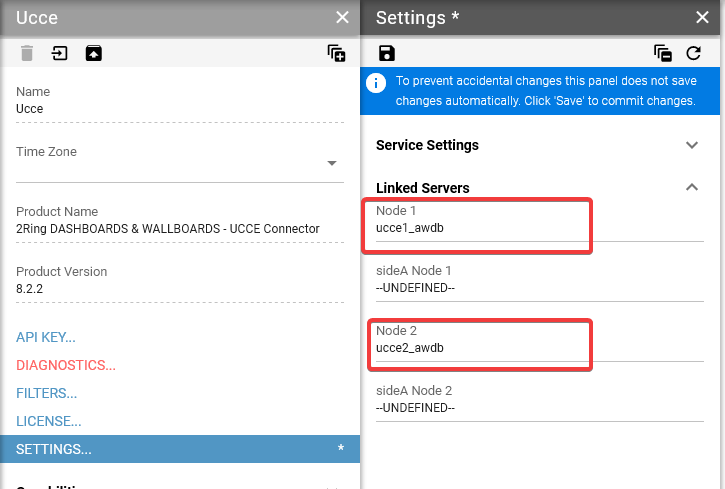
Select the UCCE connector on the left and navigate to ‘SETTINGS…’.
Open the AWDB Linked Servers section.
Update ‘Linked Server Node 1’ and ‘Linked Server Node 2’ values with the new ODBC data source names.
Save the change at the top of the Setting panel.
Restart the 2Ring UCCE connector windows service on the 2Ring application server.
Resolve Cluster State Error
Diagnostics Error:
ErrorNumber: 50000
ErrorState: 1
ErrorProcedure: ResolveClusterState
ErrorLine: 59
ErrorMessage: Server nodes are not available.
Error occured while reading data from node1.
Error occured while reading data from node2.
Cause
The Linked Server can’t connect to the UCCE AWDB database.
Solution
Check if the hostname/IP is reachable to UCCE AWDB.
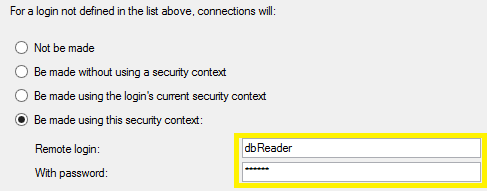
Check if the user or password has changed for SQL Server user in UCCE SQL Server instance used to connect to AWDB database. Update the user/password in Linked Server properties for the UCCE node. Go to the Security tab.
Open SQL Server Management Studio and connect to the instance where the 2ring databases are located.
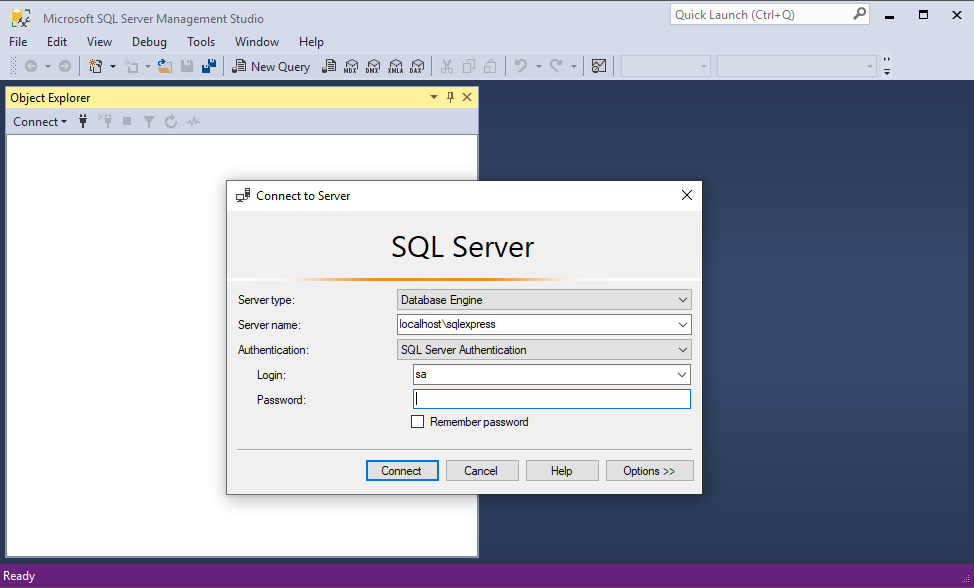
Expand Server Objects -> Linked Servers.
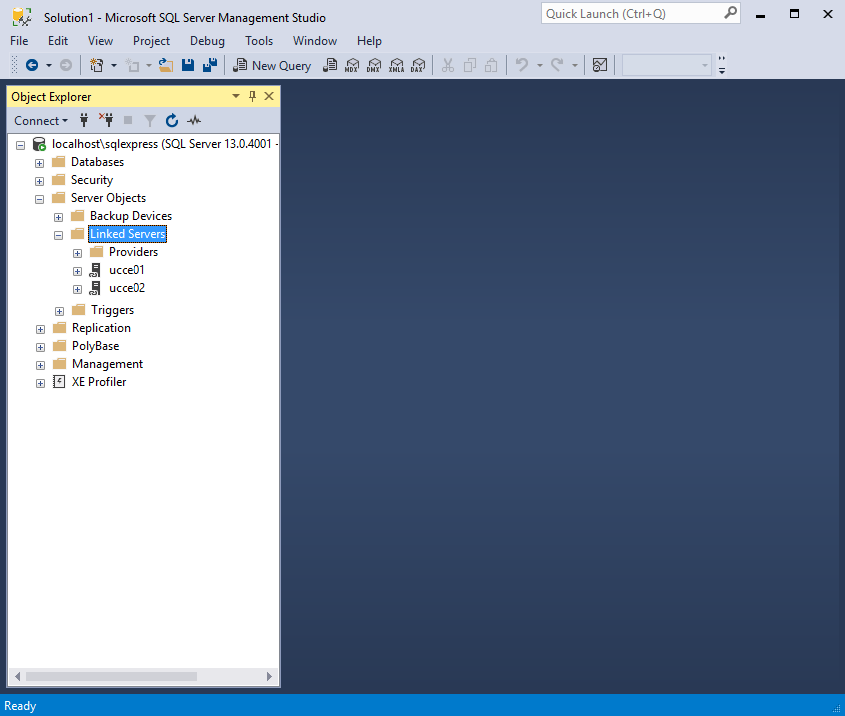
Right Click on Linked Server Node and Click Properties
Click on Security Tab