
What is a Nested Widget
Nested Widget is very similar to a nested Layout. The difference is that while nested Layout defines its data itself, nested Widget receives the data to display from the Layout it is placed in. It is very suitable to host multiple instances of a nested Widget within a single Layout, each displaying different data in the same form. This allows creation of floor plans, top charts and other graphically intensive visualizations.
Figure 1: Widget
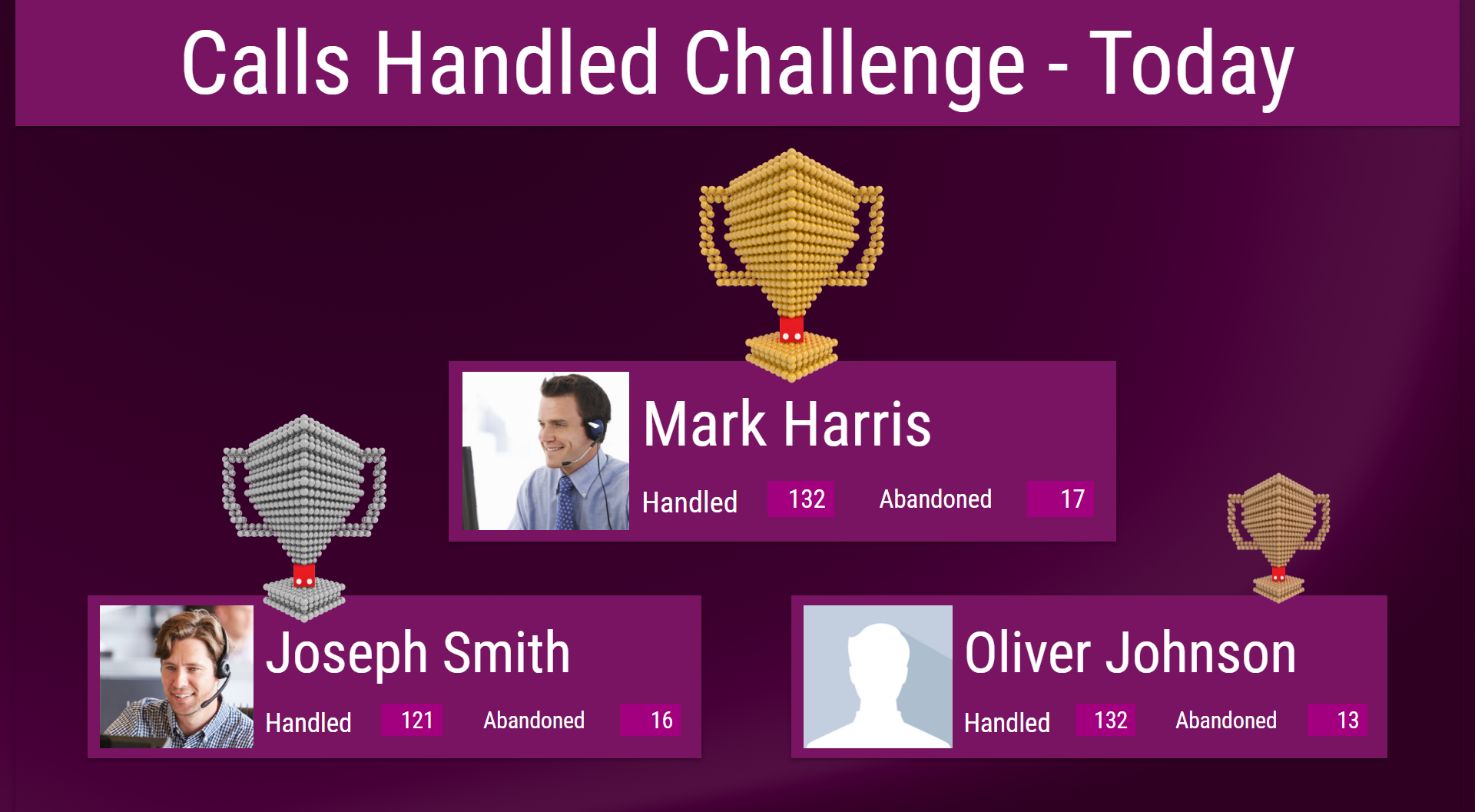
Figure 2: Widget
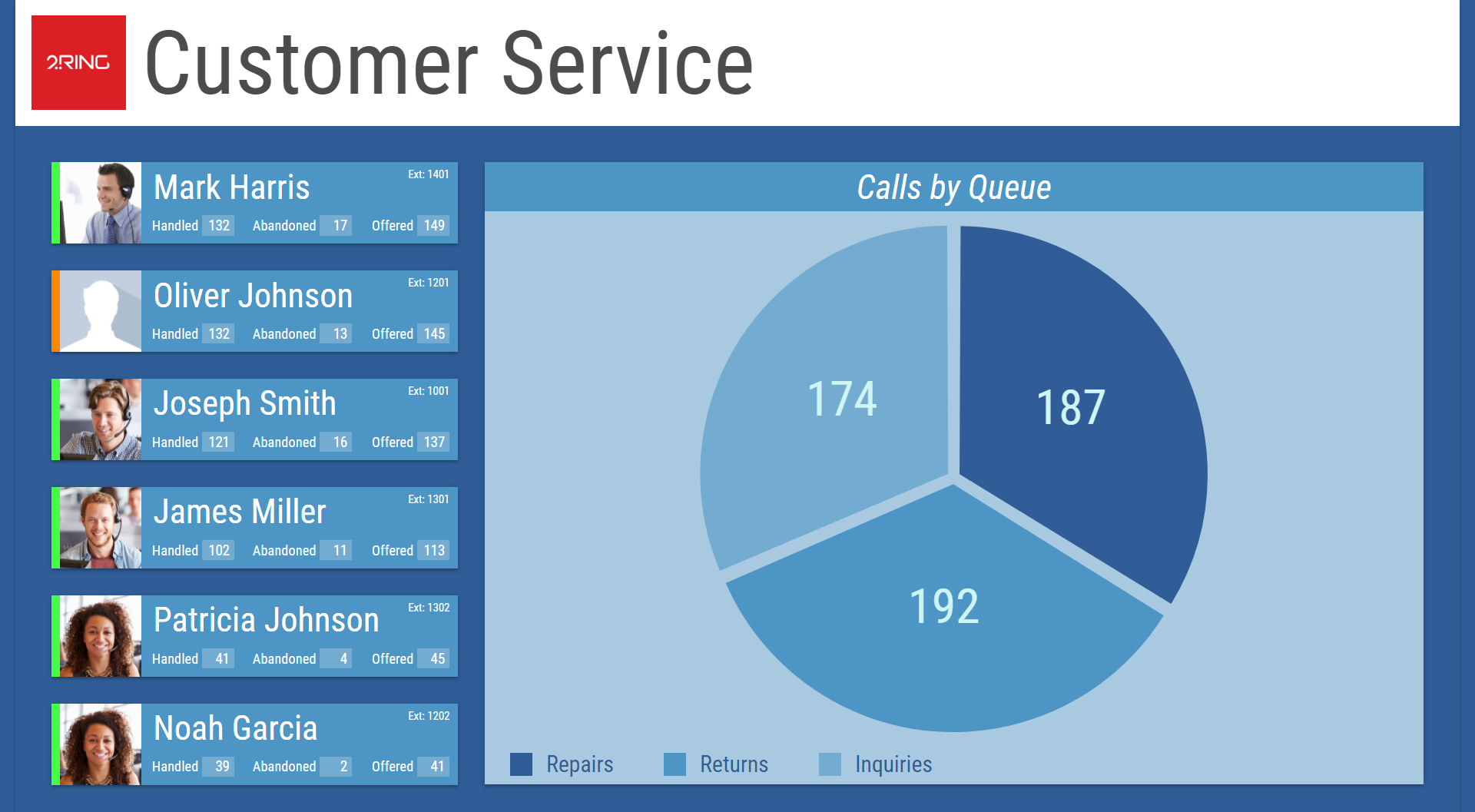
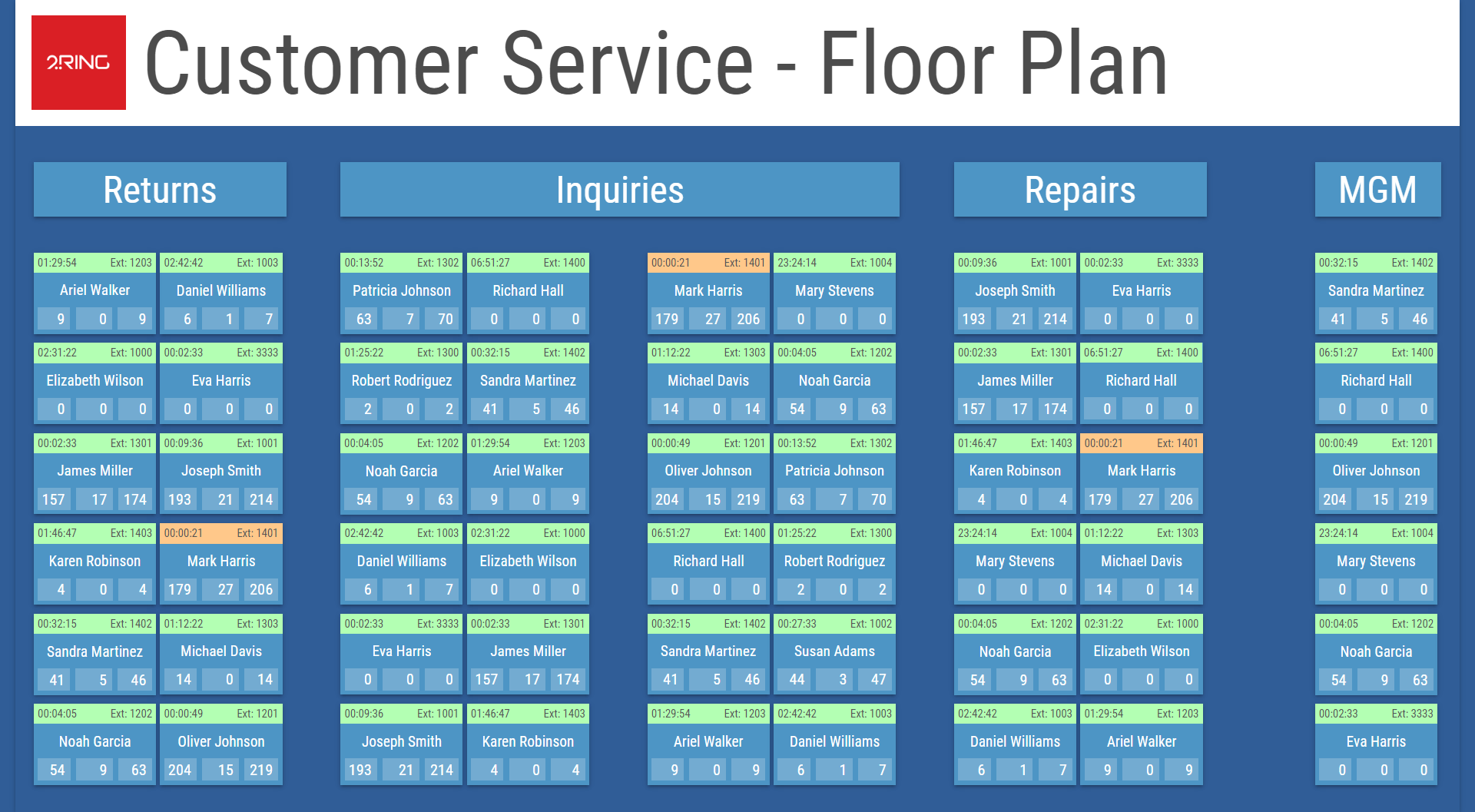
Figure 3 illustrates how Widgets serve as building blocks for larger Layouts. Each rectangle in the screenshot represents the same Widget instance, with each instance filtered to display a different value.
Figure 3: Widgets used as building blocks for a Layout
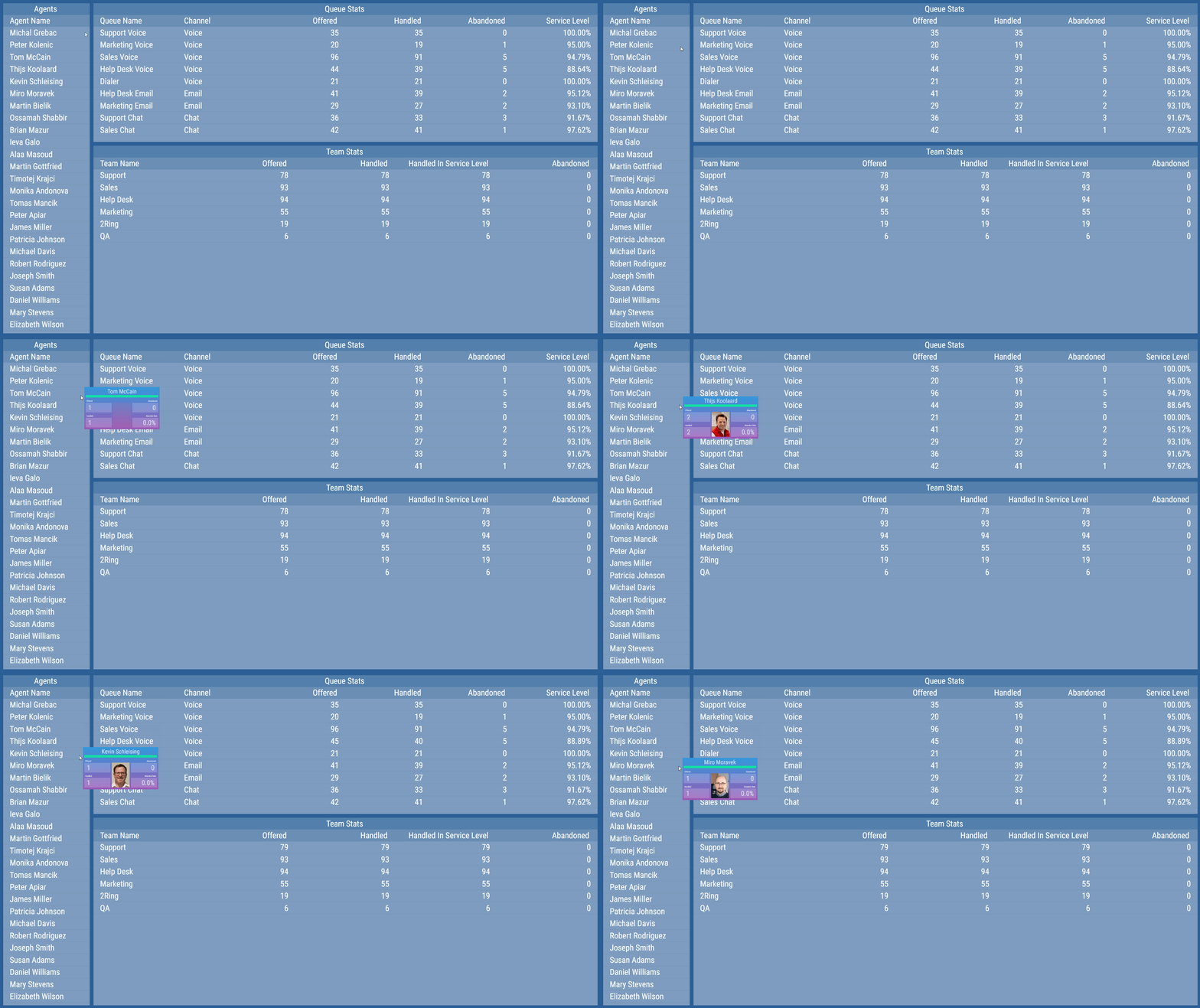
A Nested Widget can also be used as tooltip content for values in a Grid segment, when tooltip support is configured for the Grid. Figure 4 illustrates a Nested Widget shown in place to display hovered data. Figure 5 illustrates the mode in which a Nested Widget is visible only while the Grid is hovered, positioned at the hovered row.
Figure 4: Nested Widget shown in place as tooltip content
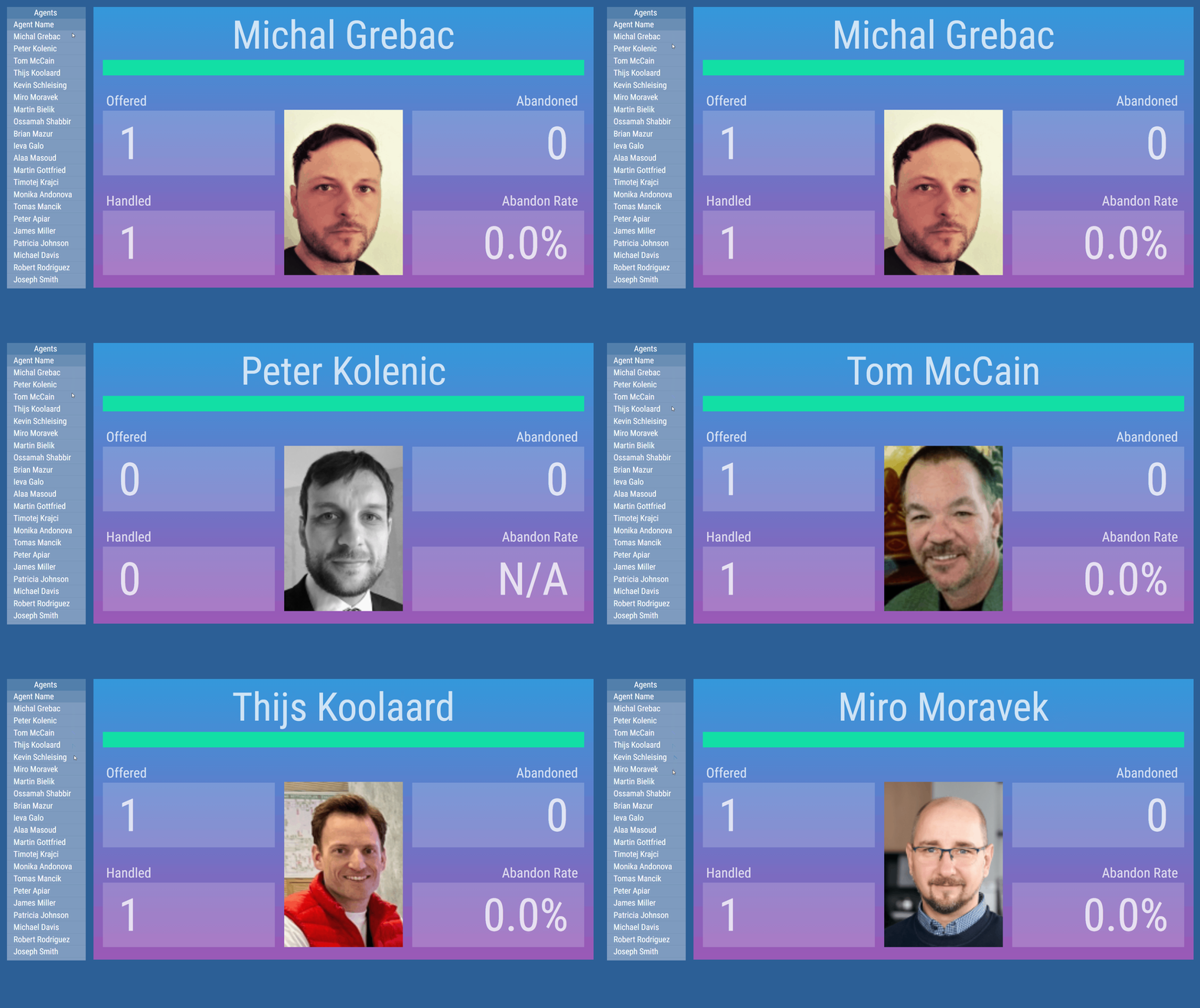
Figure 5: Nested Widget shown only on hover, positioned at the hovered row
For more information about editing this segment, see Nested Widget chapter.