Uninstallation
2Ring Power Tool can be uninstalled in the Windows Settings –> Apps –> Apps & features –> 2Ring Power Tool –> Uninstall
It can also be done by clicking on Modify or running an installation file and following these steps:
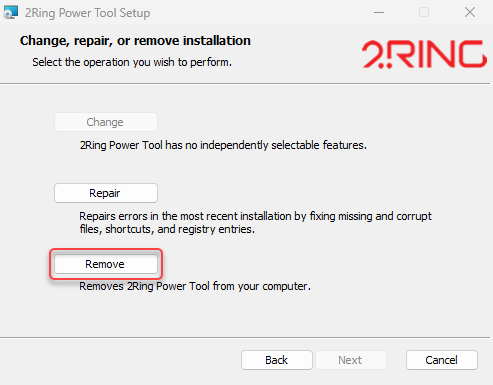
Select Remove.
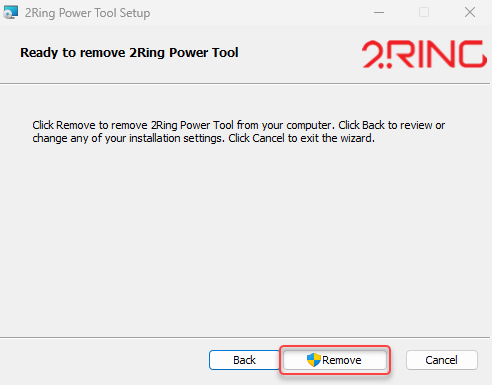
Confirm the uninstallation by clicking on Remove.
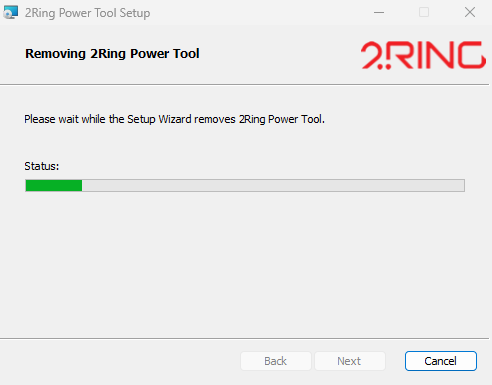
Wait until the 2Ring Power Tool is uninstalled.
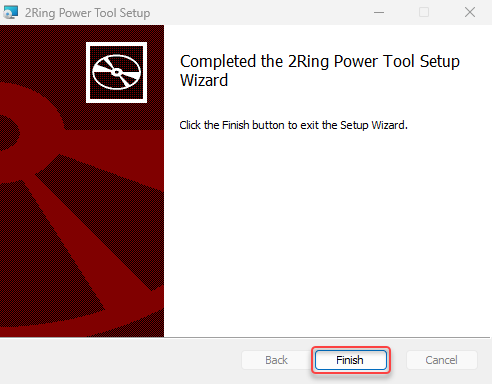
After the uninstallation is done, click on Finish.