Uninstallation
Uninstallation Connector
Uninstallation of the Webservice connector is fully integrated into the DW administration application.
For more information, please reach out to 2Ring via support contacts listed on the 2Ring website at https://www.2Ring.com/contact.
Uninstallation Connector Windows Service
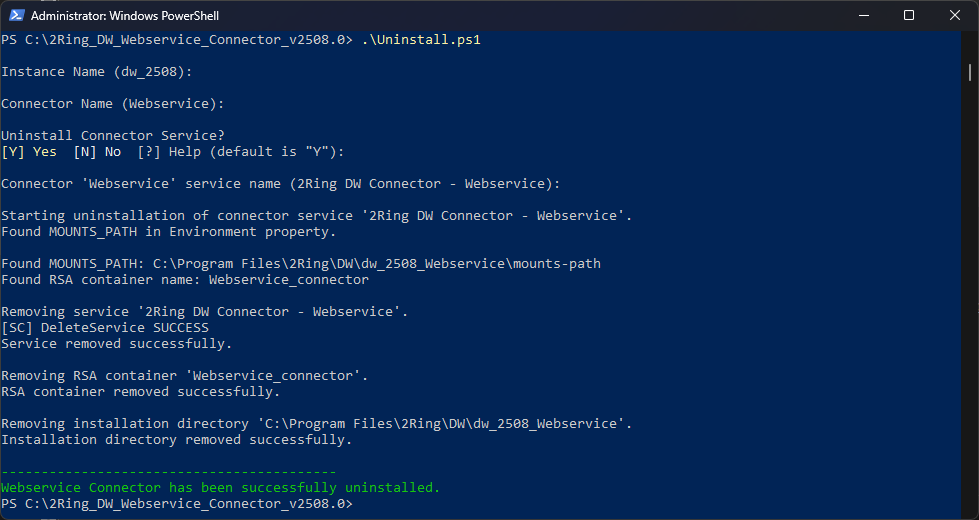
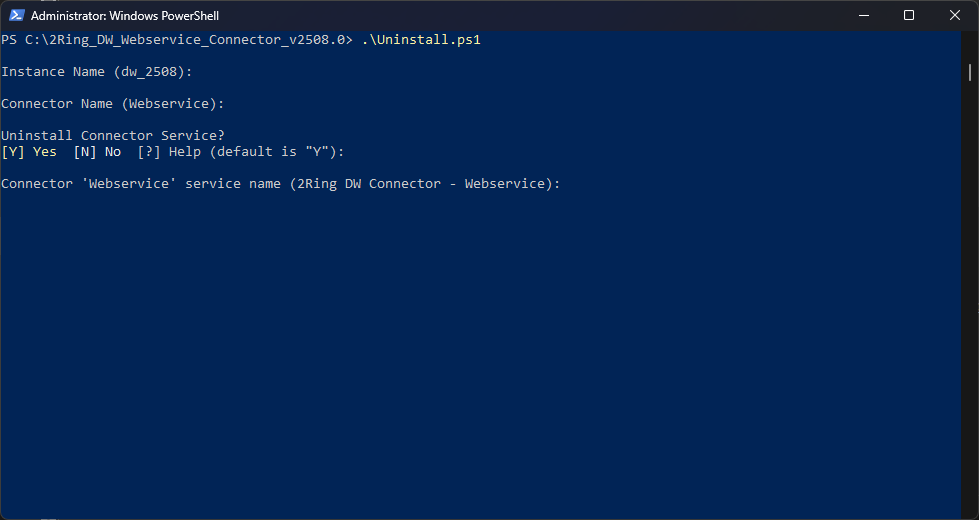
To uninstall the connector windows service, navigate to the connector installation package and run uninstall.ps1 as Administrator.
Enter the 2Ring DW application instance name.
Figure 1: Connector Windows Service Uninstallation
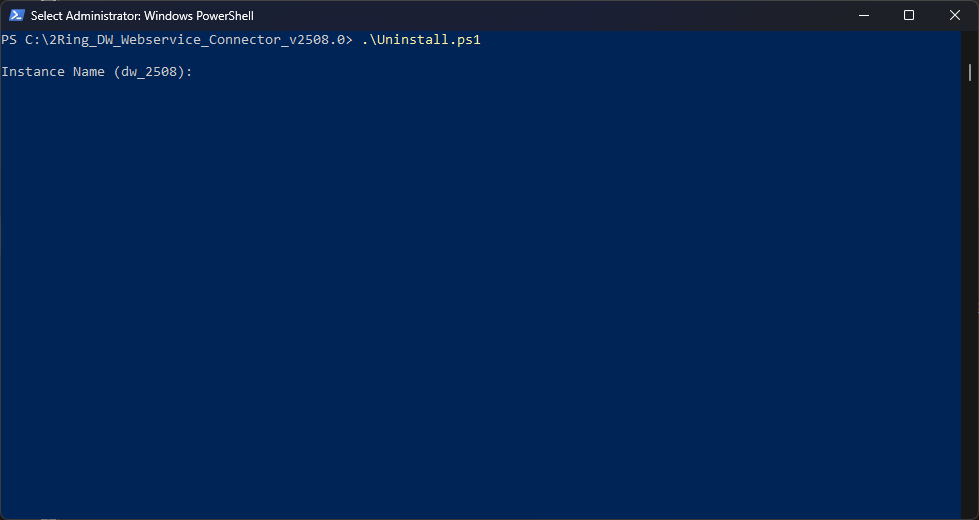
Enter the connector name.
Figure 2: Connector Windows Service Uninstallation
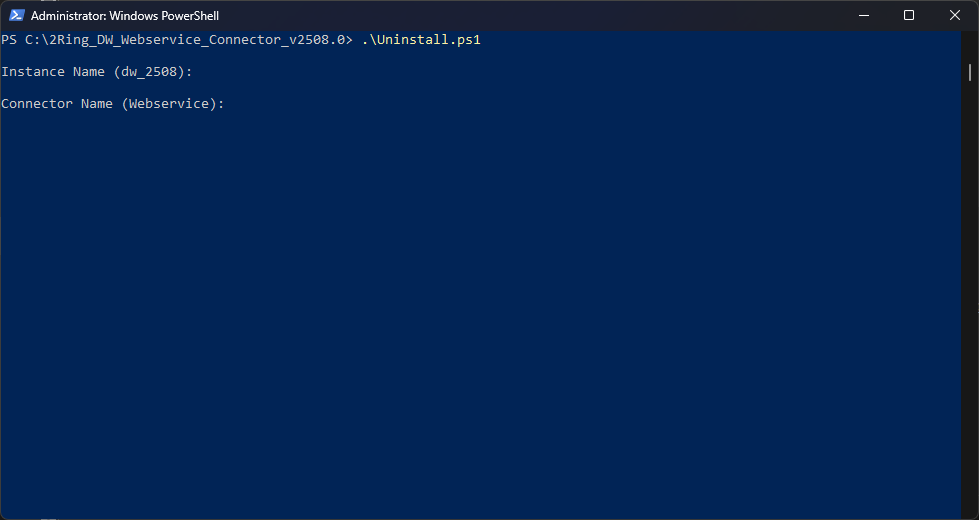
Choose whether a connector service should be uninstalled.
Figure 3: Connector Windows Service Uninstallation
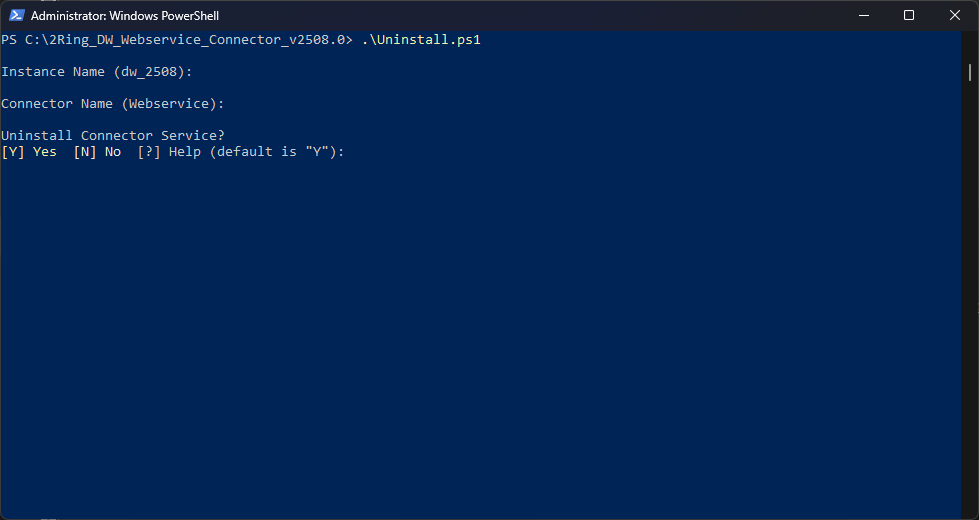
Enter the connector service name.
Figure 4: Connector Windows Service Uninstallation
The connector windows service has been successfully uninstalled.
Figure 5: Connector Windows Service Uninstallation