Webex CC Historical Reporting
This chapter defines how to configure and manage the Webex CC Historical Reporting connection type in DW. The following sections describe settings and authentication required for successful integration.
Settings
When creating a Webex CC Historical Reporting connection, configure the following settings:
API URL
The base URL for the Webex Contact Center API.If you change the API URL, any active session for this connection will be terminated and you will be logged out. Organization ID
The Organization ID associated with your Webex Contact Center instance.
Authentication
After the Settings are correctly configured and saved, the connection can be authenticated. Please contact 2Ring Support to perform the authentication.
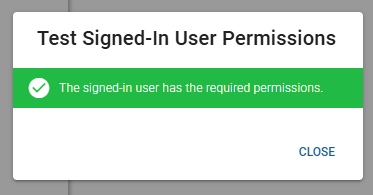
Once authenticated, the Identity property becomes visible, indicating which Webex application is associated with this connection. The connection can also be tested to validate that the application has the correct permissions.
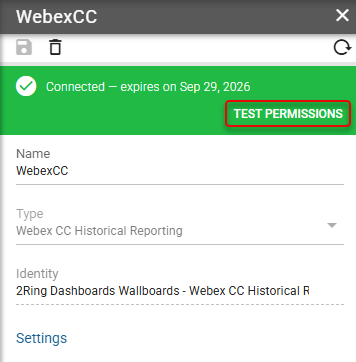
— verifies that the signed-in user has the required permissions in the external system. A successful test displays the message: “The signed-in user has the required permissions.”