
Connections
Connections allow tenant administrators to configure reusable integration settings that are shared across multiple features in DW. Instead of entering the same credentials and configuration details repeatedly, you set up a Connection once and reference it wherever needed — for example, in SSO Integration or Connector settings.
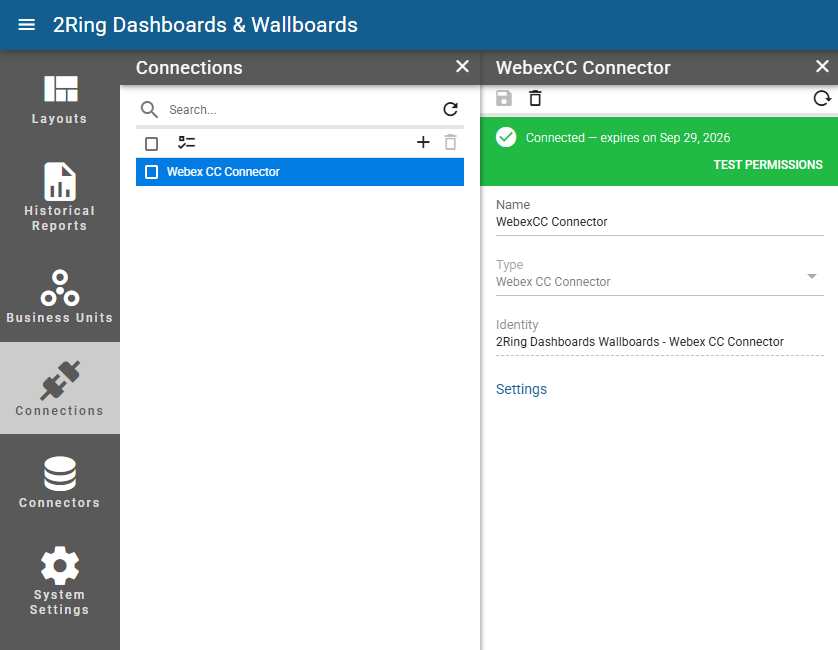
Name
Required
The name of the Connection.Type
Required
The type of the Connection.Identity
The identity of the Connection. For Webex CC connections, this field displays the name of the Webex CC application used by the Connection. For Five9 connections, it displays the user currently signed in to that Connection.
Available Connection Types
Currently, the following connection types are available:
five9 — Five9 integration
Webex CC Connector — Webex Contact Center integration
Webex CC Historical Reporting — Webex Contact Center Historical Reporting integration