Validation Errors
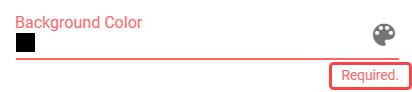
When an invalid value is entered into a field, the field is marked with red color and a validation message is briefly described under the field, on the right side.
Figure 1: Validation error on a field
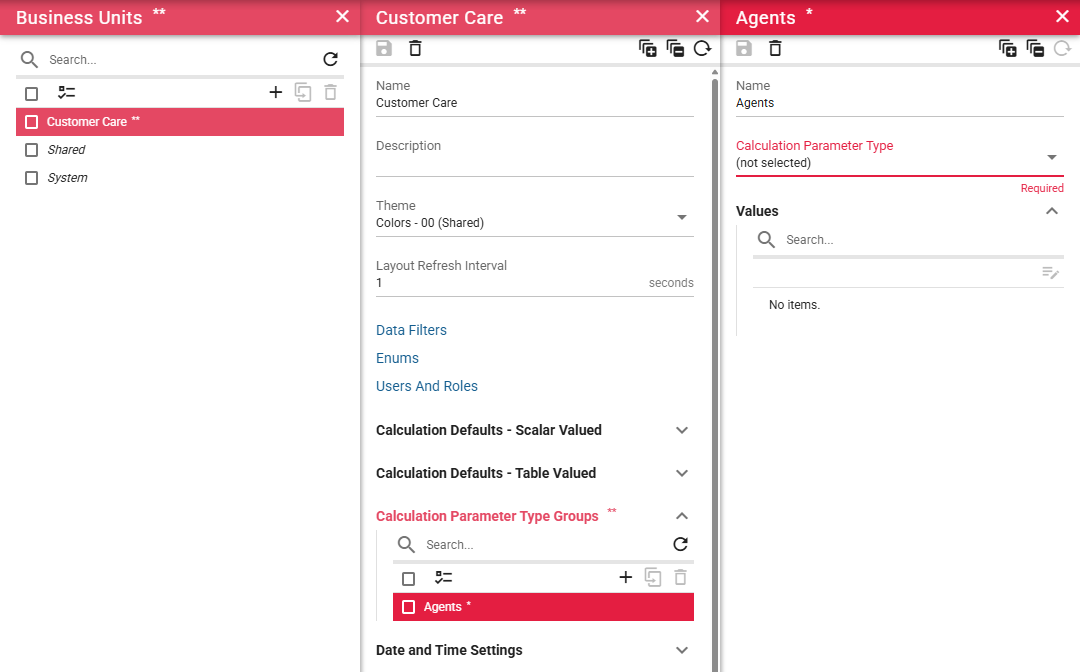
In addition to the field itself, all parent containers are highlighted in red to help locate the source of the error. This includes the collapsible group containing the erroneous field, the panel header, and the corresponding list item in the previous panel. The red highlighting propagates all the way up to the root panel.
Figure 2: Error indicators across panels