
SSO Integrations
SSO Integrations allow you to configure single sign-on (SSO) settings for your DW instance, enabling users to authenticate using their existing credentials from an identity provider (IdP). By setting up SSO Integrations, you can streamline the login process and enhance security by centralizing authentication.
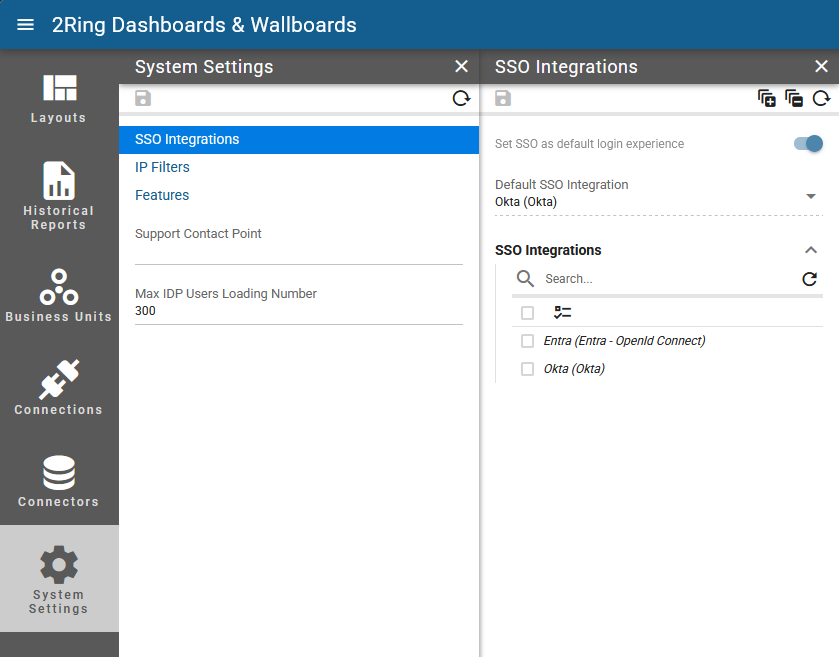
Set SSO as default login experience
Read-only
When enabled, users will be directed to the selected SSO login page by default when accessing DW. If disabled, users will see the standard DW login page with the option to choose SSO. This setting is editable only by 2Ring. Please contact 2Ring Support if you want to change this setting.Default SSO Integration
Read-only
If “Set SSO as default login experience” is enabled, this setting determines which SSO Integration will be used as the default for user authentication. This setting is editable only by 2Ring. Please contact 2Ring Support if you want to change this setting.