
Expression builder
Expression builder is used to compose expression which can contain DW placeholders. Expression can not be edited directly in field instead is editable through dialog which is opened by double clicking the field or clicking the pen icon.
Dialog consists of text area, where expression is editable, and list of available placeholders. Clicking any placeholder will add this placeholder, in correct format, to the text area at the cursor current position. Format of placeholders in expression is placeholder.
Figure 1: Expression field
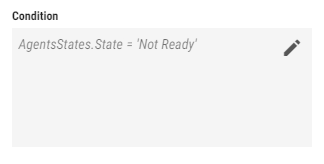
Figure 2: Expression dialog
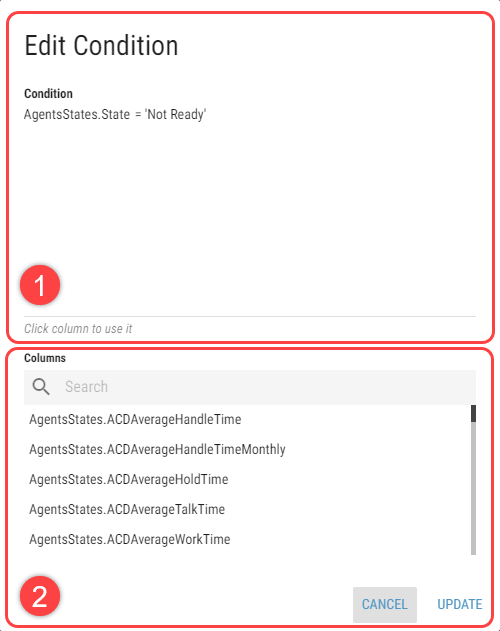
Text area
List of Placeholders
Option, associated with expression builder, will be updated after clicking dialog’s Update button.