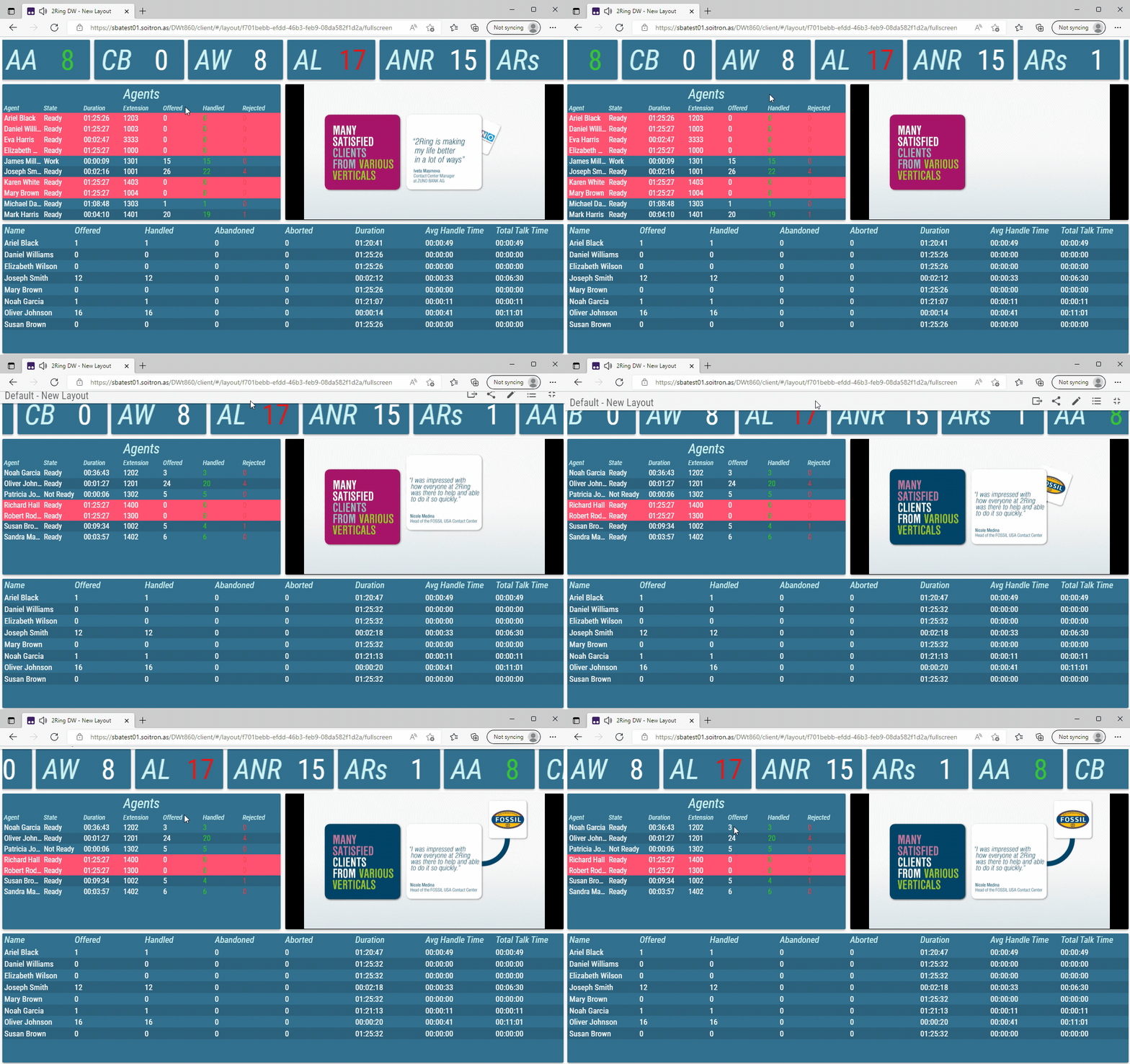
Full Screen Mode
Full Screen mode can be toggled in one of two ways:
Clicking the button while viewing Layout
Double clicking or double tapping anywhere inside the Layout.
Figure 1: Classic and Full Screen mode
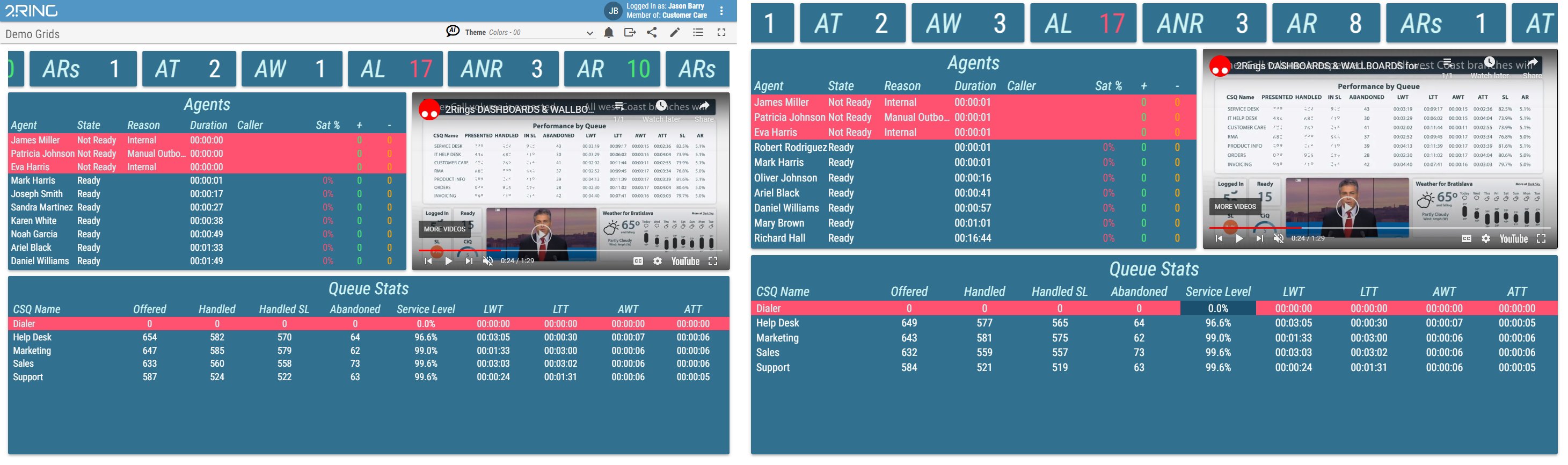
When Full Screen mode is activated, the Layout covers maximum available space of the browser window. The navigation and 2Ring toolbars are hidden. Moving the cursor to the top of the screen temporarily displays the navigation toolbar. In Full Screen mode, mouse cursor is automatically hidden after 5 seconds of inactivity.
Figure 2: Full Screen mode with displayed navigation toolbar