
Groups
Each section can be further divided into groups of fields. These groups contain options that change related parts of a record. Each group has its own header, that can be clicked to expand or collapse its contents.
Groups can also contain a switch, that enables or disables its associated feature. When disabled, the group’s values can still be shown, but cannot be edited. Disabling a group also disables all related options. For example, disabling the Title group will completely hide the title of a segment.
Figure 1: Groups
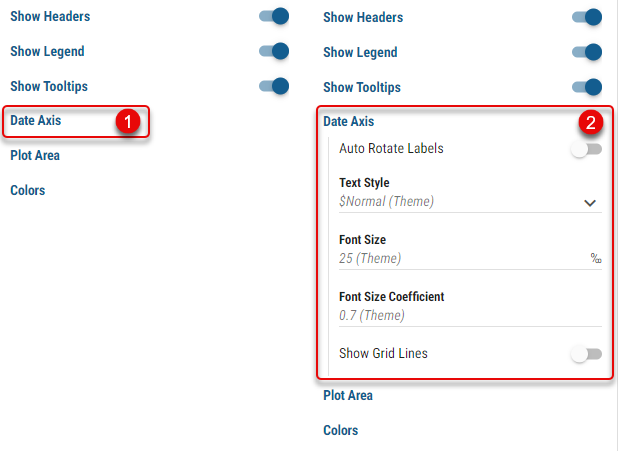
Collapsed group
Expanded group
Figure 2: Toggleable Groups
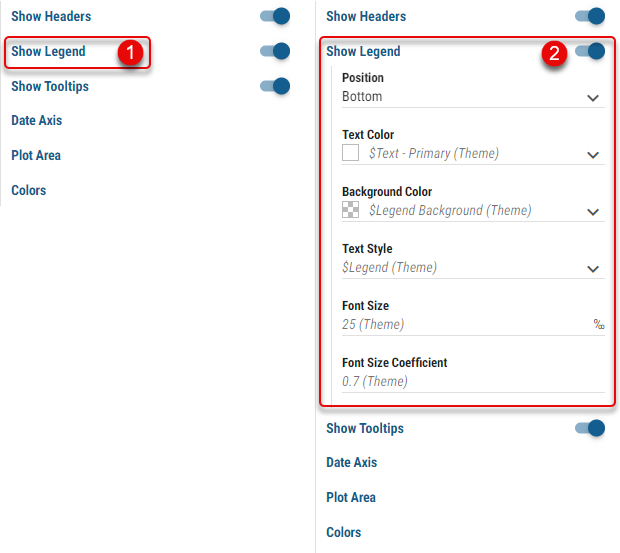
Collapsed toggleable group
Expanded toggleable group