
Creating a Layout or Widget
Layouts and Widgets can be created by clicking the “Create Layout” or “Create Widget” button in the Layout list. This button is available only for users with appropriate privileges. After clicking the button, Layout Editor opens with a new Layout or Widget in edit mode.
Figure 1: Create Layout/Widget buttons
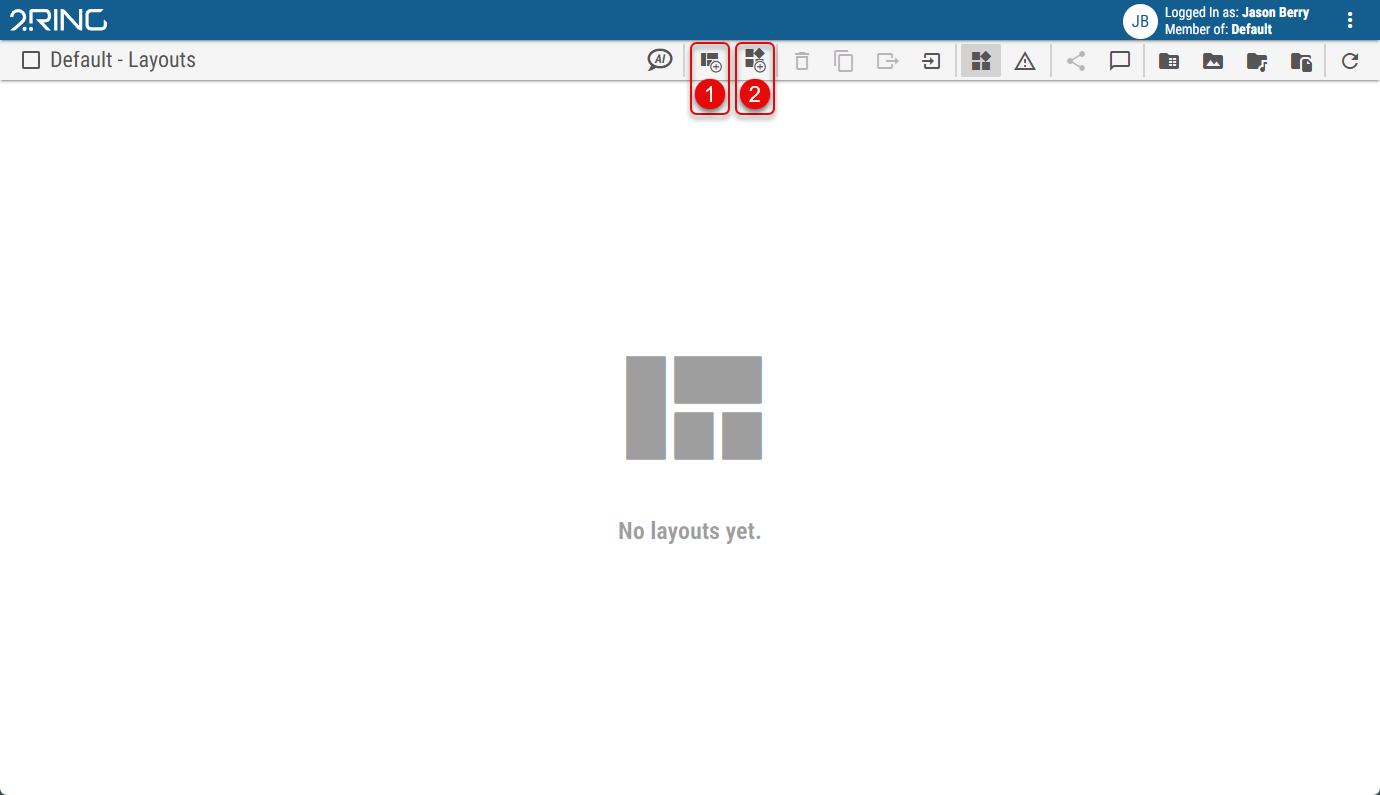
Create a Layout
Creates a new Layout.Create a Widget
Creates a new Widget.