2Ring Logo
2Ring Dashboards & Wallboards Administration Application Guide Version: 2508
Docs Portal DW Cloud Admin Guide Navigating the Tool Links
  • Logging in
  • Account Management
  • Navigating the Tool
    • Changing Tool Language
    • Application Menu
    • Drawer
    • Panels
    • Groups
    • Controls
    • Lists
    • Links
    • Validation Errors
    • Banners
  • Historical Reports
  • Business Units
  • Security
  • FAQ

Quick search

Links

Links open corresponding child panels. Links are distinguished from other controls by using all upper-case characters, by using “…” suffix and by color of the text.

Figure 1: Links
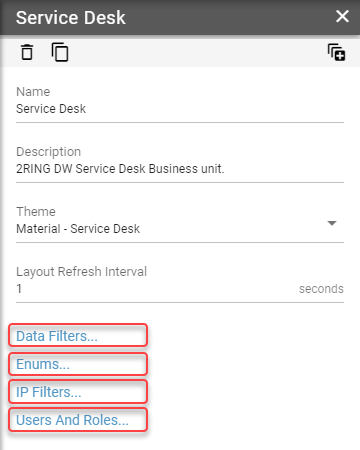
../_images/navigating-the-tool-links.png

Currently opened link has white text on blue background.

Figure 2: Opened Link
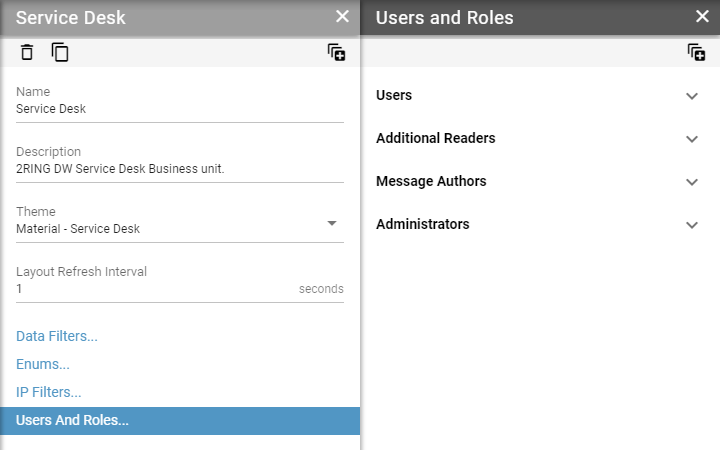
../_images/navigating-the-tool-links-open.png
Lists
Validation Errors