Microsoft Teams - Channel
2Ring Dashboards & Wallboards supports sending personal notifications to Microsoft Teams channels via the “2Ring DW Notifications” Teams application.
This feature allows users to receive targeted messages, alerts, and real-time updates directly in their Teams environment.
Channel Configuration
Launch the Microsoft Teams desktop or web application and log in with your organizational account.
Click on the Apps icon in the left-hand navigation menu.
In the Search bar, type: 2Ring DW Notifications
Select 2Ring DW Notifications from the search results.
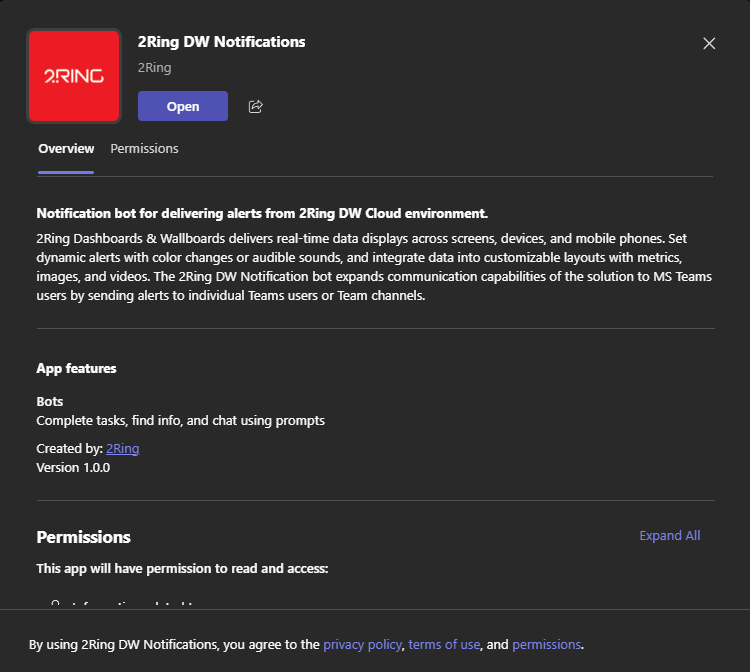
Click Add to install the app to your personal Teams workspace.
After the installation, open the 2Ring DW Notifications app and select the channel where you want to receive notifications.
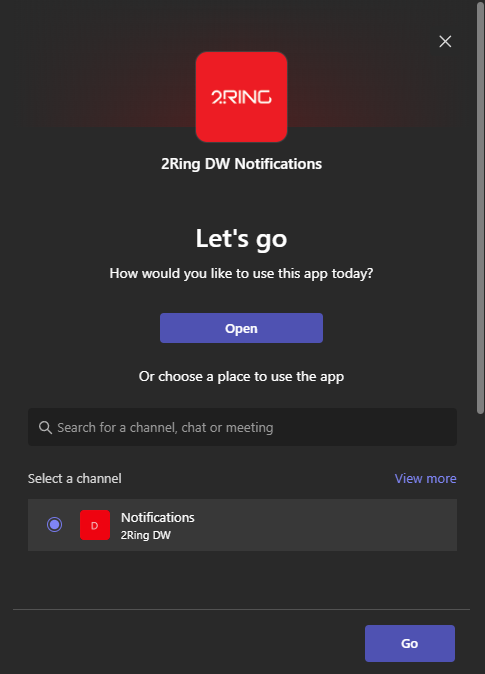
Bot installation is limited to public channels.
DW Configuration
Entra Tenant Id has to be defined in the notification channel settings.
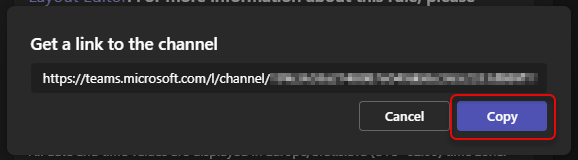
In DW, URL of the desired channel is used as a recipient of a notification message.
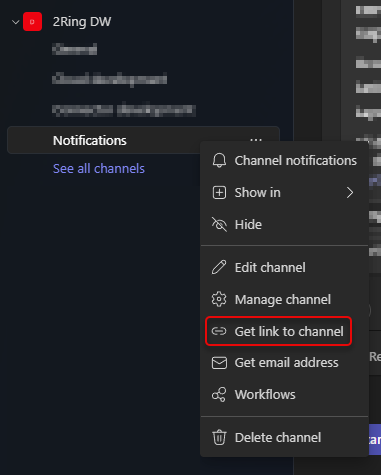
URL of the channel can be obtained by right-clicking on the channel name in Teams and selecting “Get link to channel”.