
Nested Layout
Related Videos
Another Layout can be displayed inside of a segment, using the Nested Layout segment type. Nested Layout is fully interactable.
Figure 1: Edit button
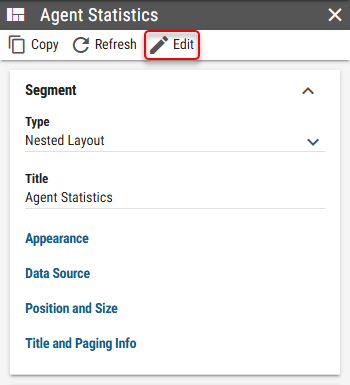
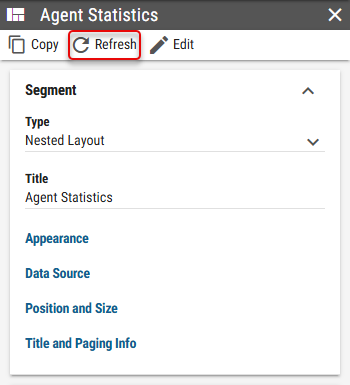
Figure 2: Refresh button
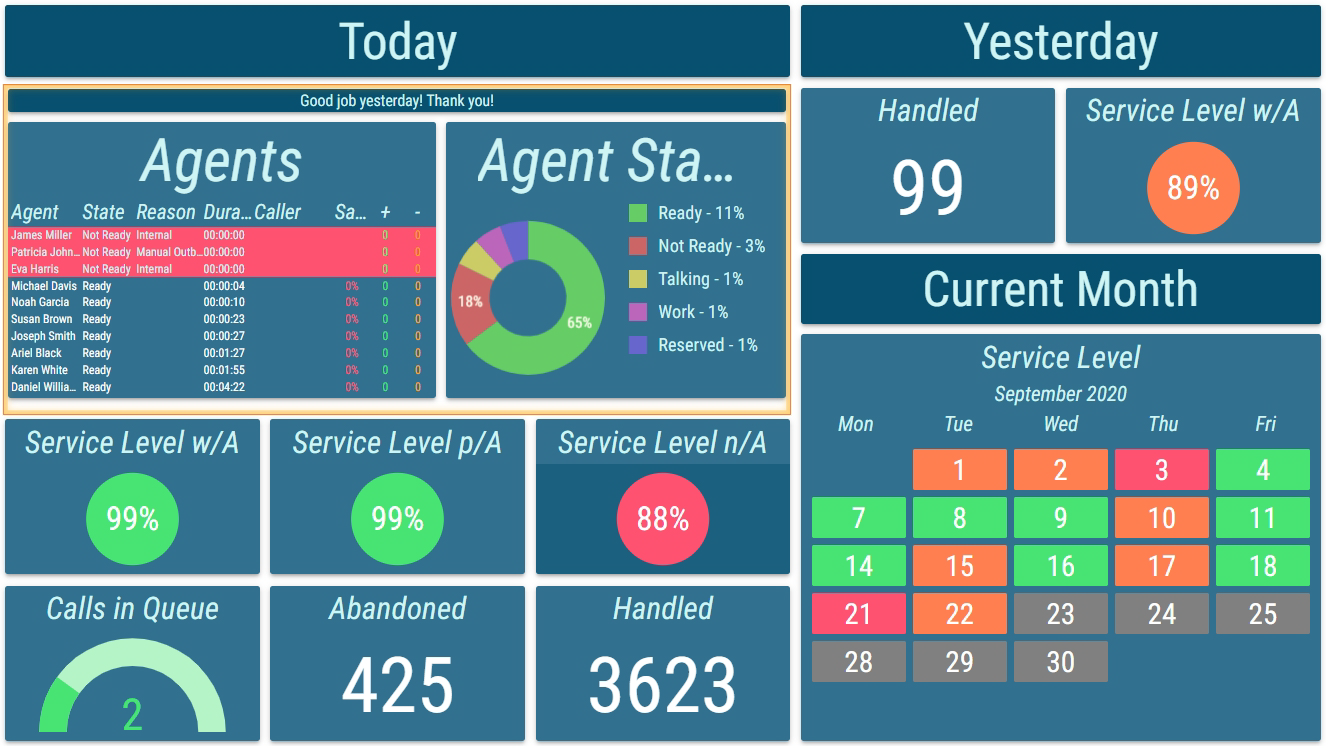
Even though Layout has specific aspect ratio set, when nested, full space provided by the segment will be used (as if unlocked aspect ratio was set). The nested Layout inherits the theme from its root Layout (the Layout which is at the top of the nesting hierarchy). Properties such as height of titles are also inherited. Therefore it’s recommended to nest only Layouts that have similarly configured appearance groups, to avoid deformations of the Layout that is nested.
Figure 3: Seamlessly nested Layout
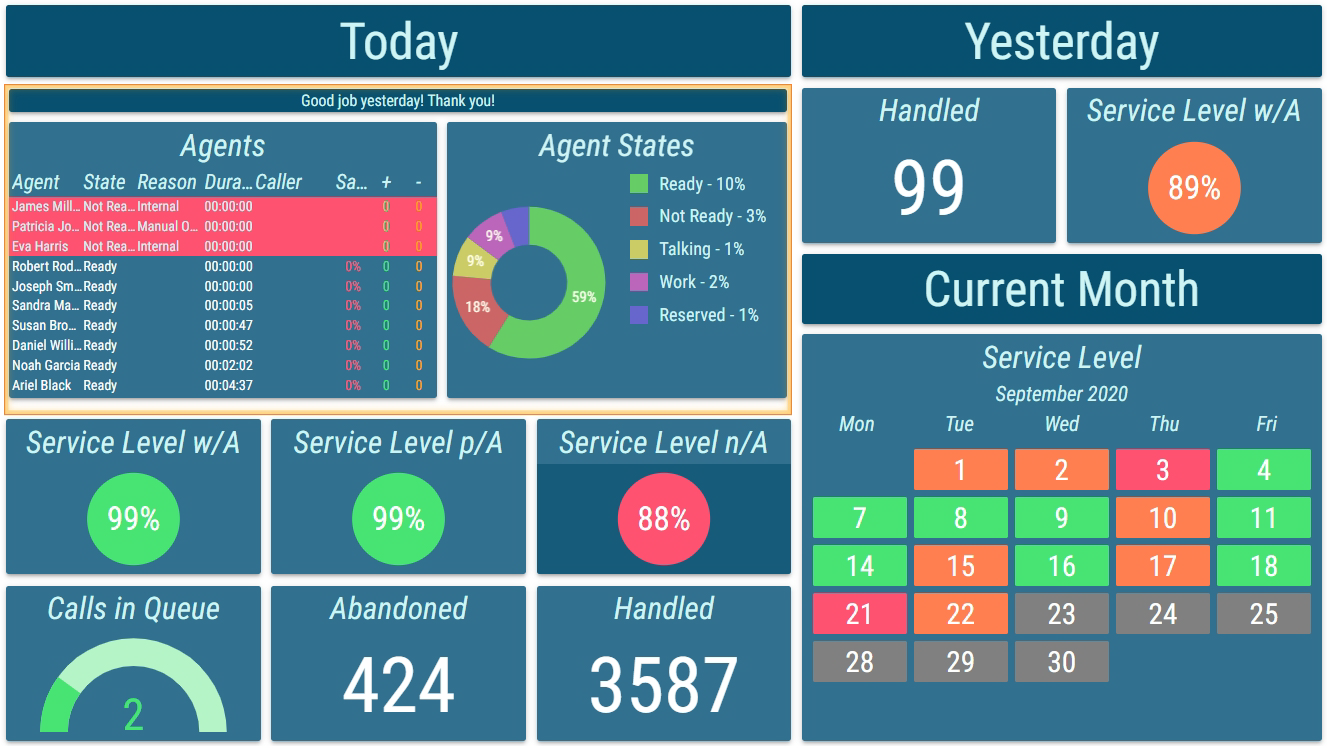
Figure 4: Deformed Nested Layout due to different title heights
The nested Layout can be selected in the Layout dropdown. Only Layouts from the same Business Unit or Shared Business Unit can be selected.
Layout
A layout that should be nested.Appearance
The style of the Nested Layout.Show Background
Whether background from the nested Layout should be applied.Background Type
Inheritable
Type of the Layout’s background.Image - Image is applied as a background.
Solid Color - Solid color is applied as a background.
Inherited - Background from the nested Layout is applied.
Background Color
Inheritable
Available only when Solid Color is selected as Background Type
For more information see Color Field section.
Color of the Layout’s background.Background Image
Inheritable
Available only when Image is selected as Background Type
Image of the Layout’s background.
Scaling Mode
Whether the relative sizes in layout segments should be applied relative to parent layout or to layout itself.Self - Relative sizes in layout segments are applied relative to the layout itself.
Parent - Relative sizes in layout segments are applied relative to parent layout.
Apply Theme
Whether parent layout theme, theme set on the layout itself or custom theme should be applied to segments in layout.From Parent Layout - Theme from the parent layout is applied.
From Nested Layout - Theme from the nested layout is applied.
Custom - Custom theme is applied.
Custom Theme
Available only when “Custom” is selected as Apply Theme
Visual theme applied to all segments in the Nested Layout.